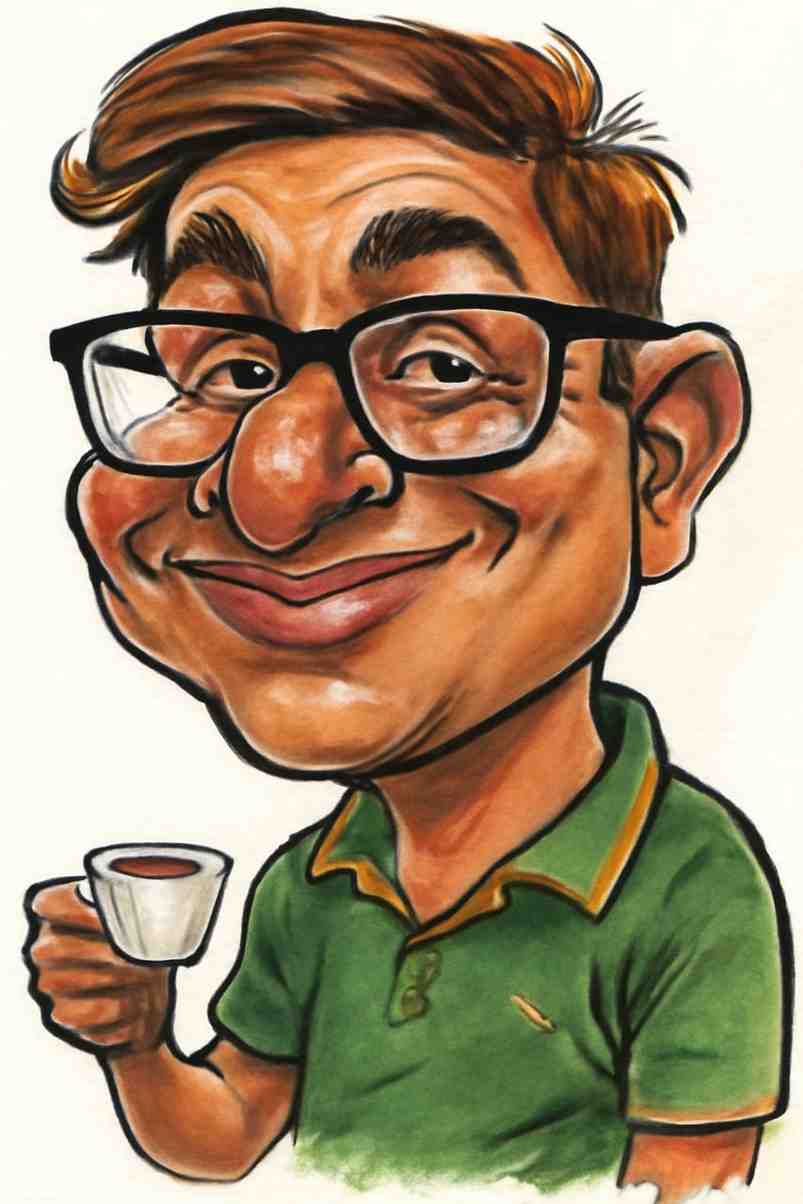
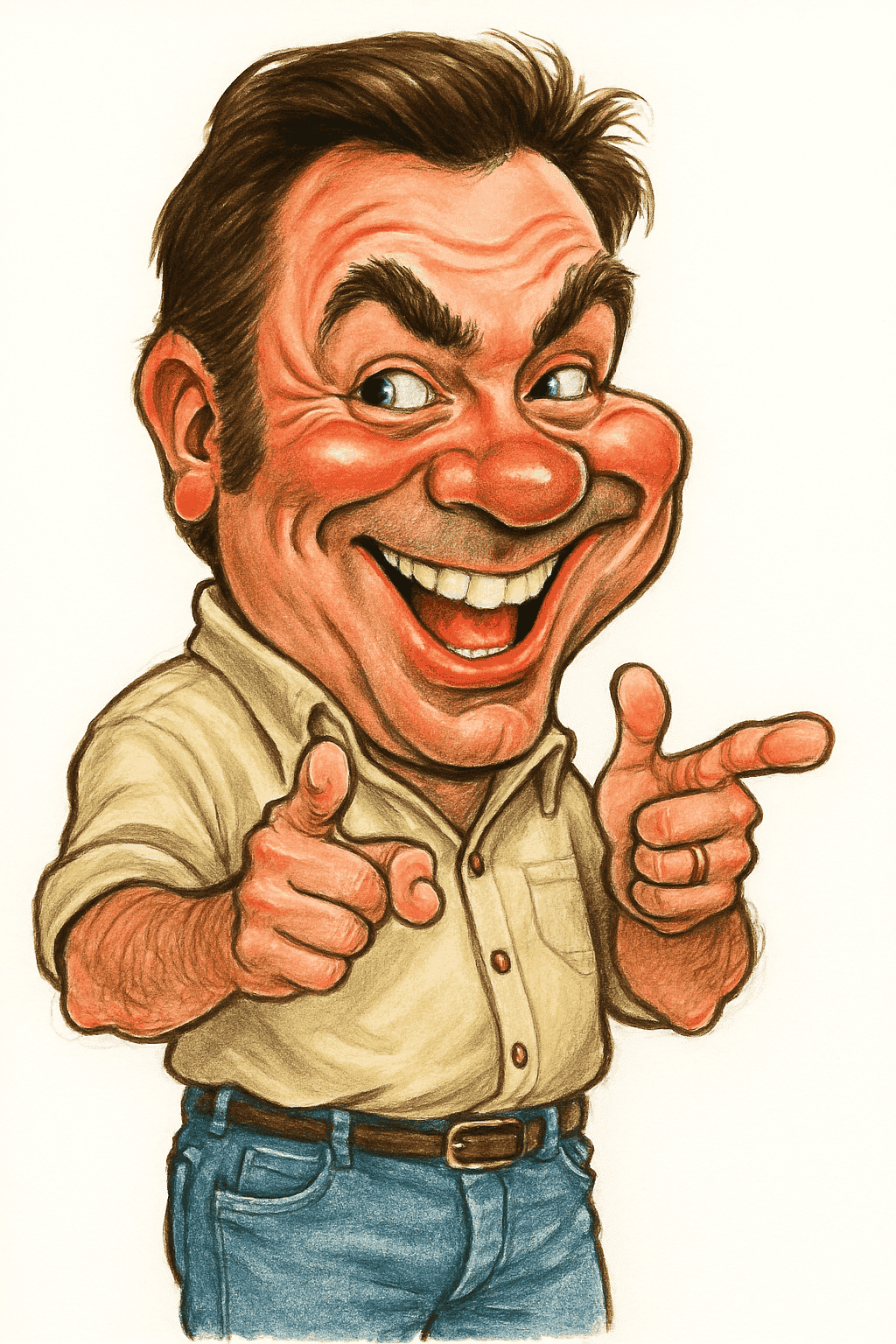
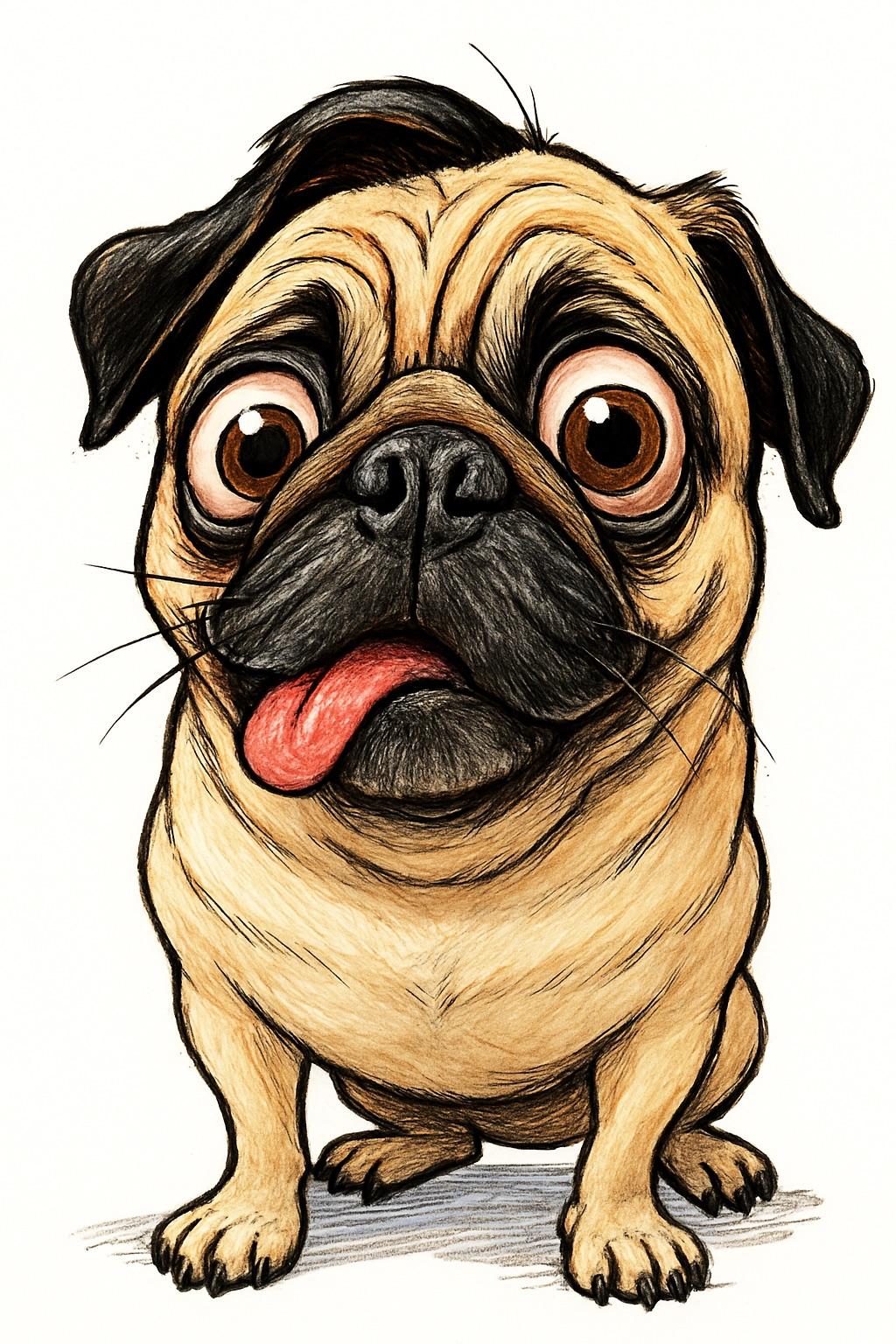
Caricature Profile Pictures: How to Stand Out on LinkedIn, Instagram & More
By Atharv Tathe • Updated
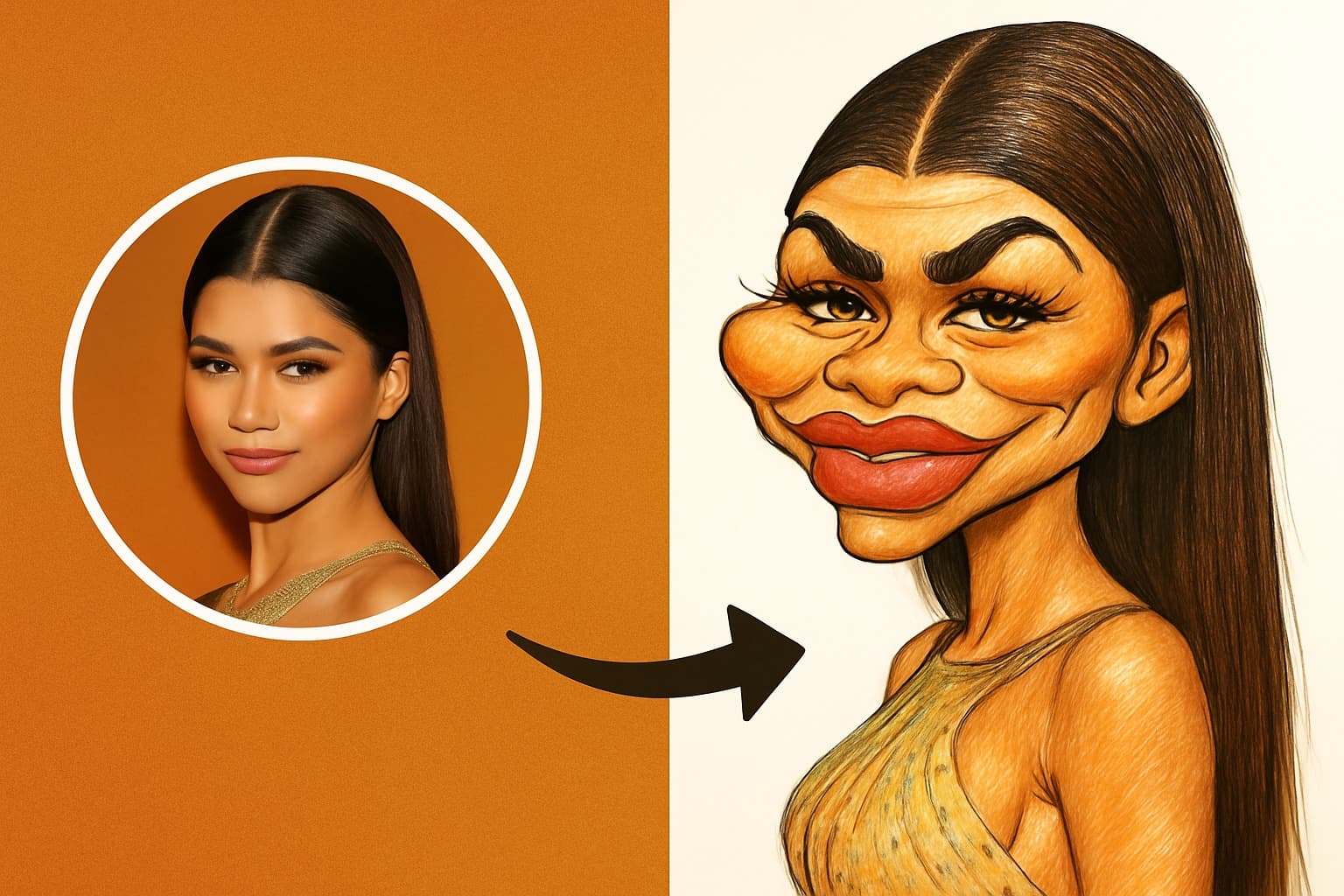
Your profile picture is the first thing people see on LinkedIn, in a Slack thread or in a YouTube comment section, usually as a tiny circle next to your name. Most are interchangeable headshots or selfies. A caricature isn’t, which is exactly why it works.
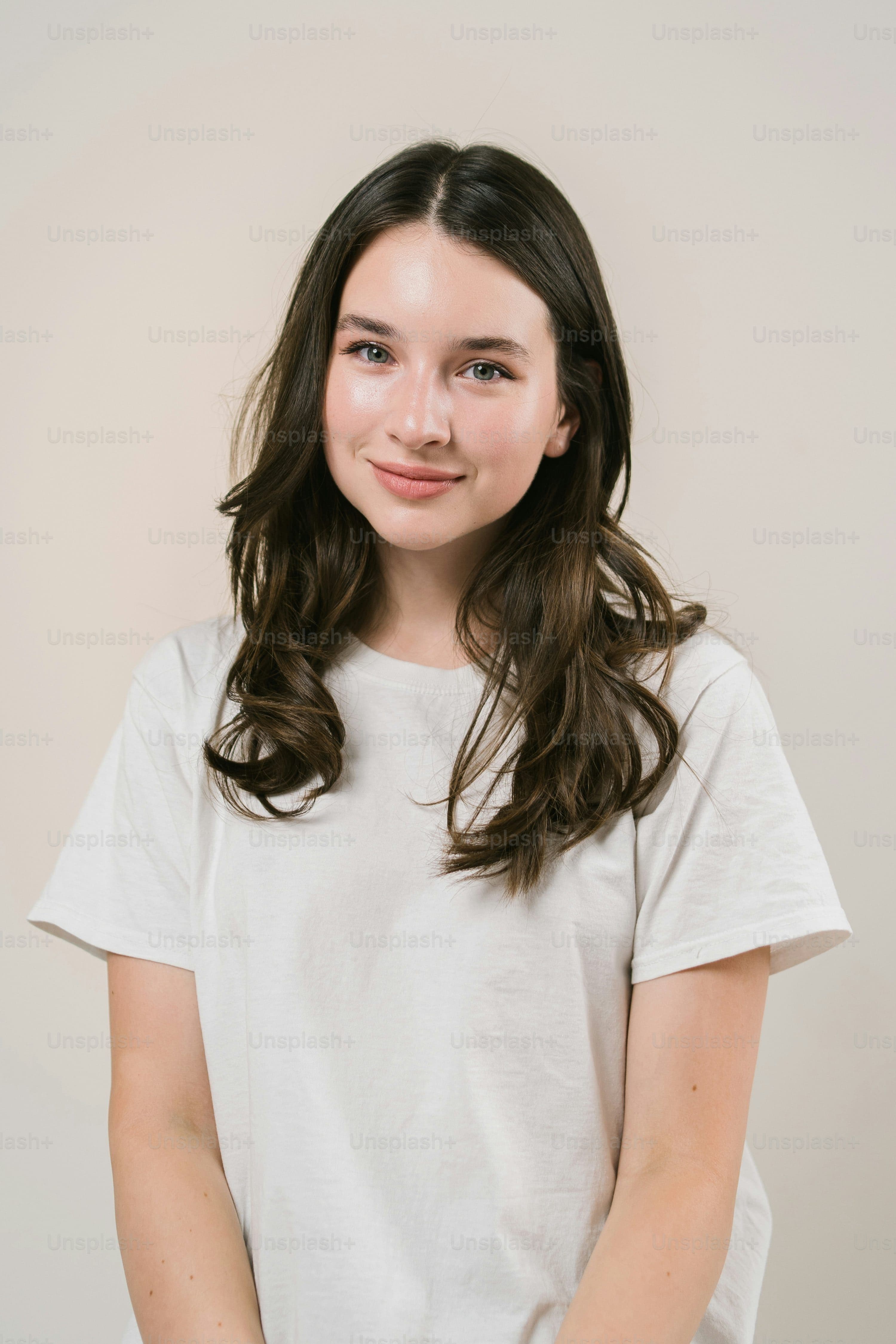 Photo
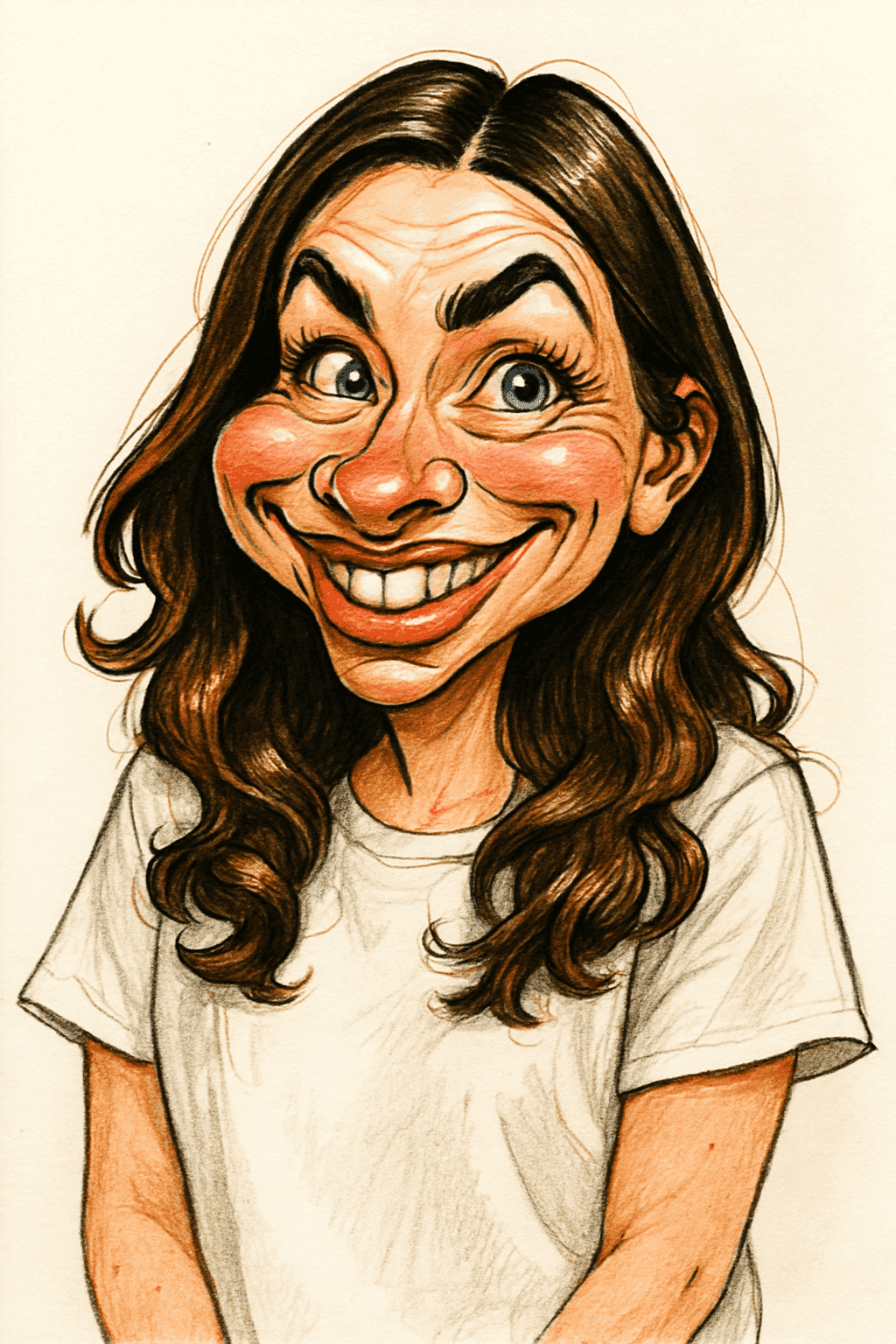 Caricature
Why a Caricature Makes a Great Profile Picture
It stands out in a feed
Scroll any comment section or member list and you’ll see rows of similar photos. An illustrated face with exaggerated features breaks the pattern and catches the eye, even at thumbnail size.
It shows personality
A caricature amplifies your most expressive features, such as your smile, eyebrows or hair, so it says something about you that a neutral headshot doesn’t.
It’s recognizable without being a photo
If you’d rather not have a real photo of yourself everywhere online, a caricature is a good middle ground: people who know you will still recognize you.
It becomes your visual signature
Use the same caricature across platforms and it starts working like a logo: people associate that face with your posts, videos or work.
Where It Works Best
| Platform | How it lands | Tip |
|---|---|---|
| Friendly and memorable; best for creative and people-facing roles | Start from a photo where you’re dressed as you would be for work | |
| Fits right in with an illustrated or playful feed | A big, genuine smile makes the best caricature | |
| YouTube and Twitch | Works as a channel icon and in thumbnails and overlays | Reuse the same caricature everywhere for consistent branding |
| Discord, Slack and WhatsApp | Easy to spot in a busy chat | Check that your face is still clear in a small circle crop |
A word on LinkedIn: in conservative industries, a caricature can read as too casual for a main profile photo. In that case, use it on your banner or your personal website instead.
How to Get a Great Caricature Profile Picture
1. Start with the right photo
Use a recent, sharp photo where you’re facing the camera in soft light, with no sunglasses or filters. Our photo guide has the full checklist.
2. Keep the look people know
Wear your usual glasses, keep your usual hairstyle, and choose an expression that feels like you. The goal is for people to recognize you instantly.
3. Create the caricature
Upload the photo to our caricature maker and you’ll have a high-resolution caricature in seconds. If you don’t love it, try a different photo; lighting and angle make a big difference.
4. Crop for a circle
Most platforms crop profile pictures into a circle. Center your face and leave a little space around your head so nothing important is cut off.
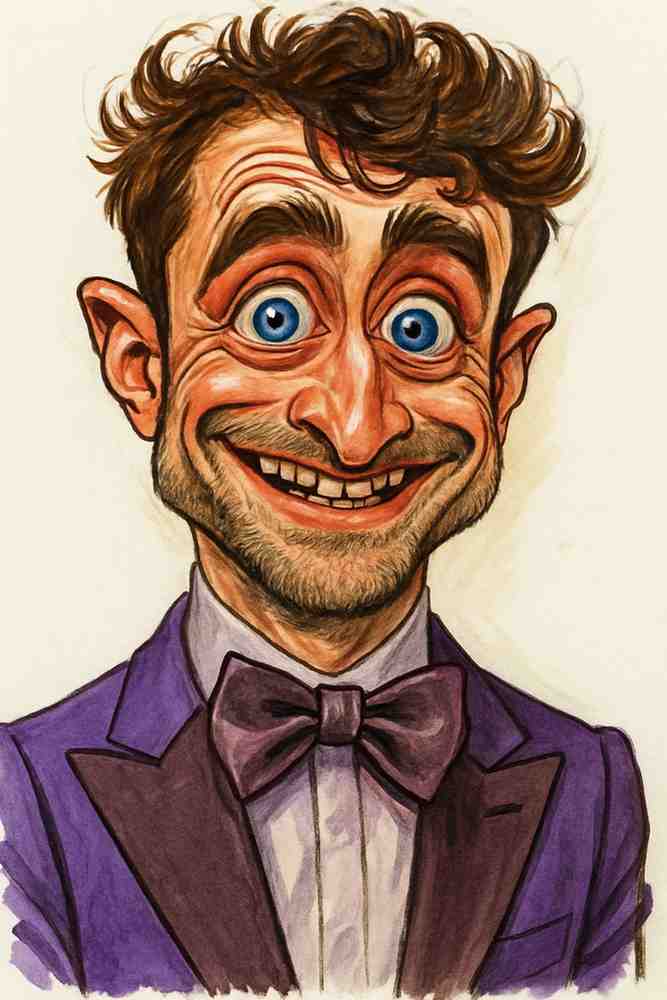


Who Uses Caricature Profile Pictures?
- Creators and streamers who want an avatar that doubles as a mascot.
- Freelancers and consultants who want to look approachable and be remembered.
- Teams putting a friendly face on their About Us page. See caricatures for corporate events for more ideas.
- Anyone camera-shy who wants a recognizable image without posting a photo.
Want to see yourself as a caricature?
Upload a photo and get a funny, high-resolution caricature in seconds.
Create Your Caricature