Group Caricatures from a Photo: How to Get Everyone Looking Great
By Atharv Tathe •
A caricature of one person is funny. A caricature of your whole friend group, family or team is the one everybody wants a copy of. The good news is that you don’t need separate photos or an artist who can juggle five faces at once: a single group photo is enough. The catch is that group photos are harder to get right than selfies, so the photo you pick matters even more.
This guide shows real results from our caricature maker, explains what makes a group photo work, and covers what to do with the finished caricature.
What a Group Caricature Looks Like
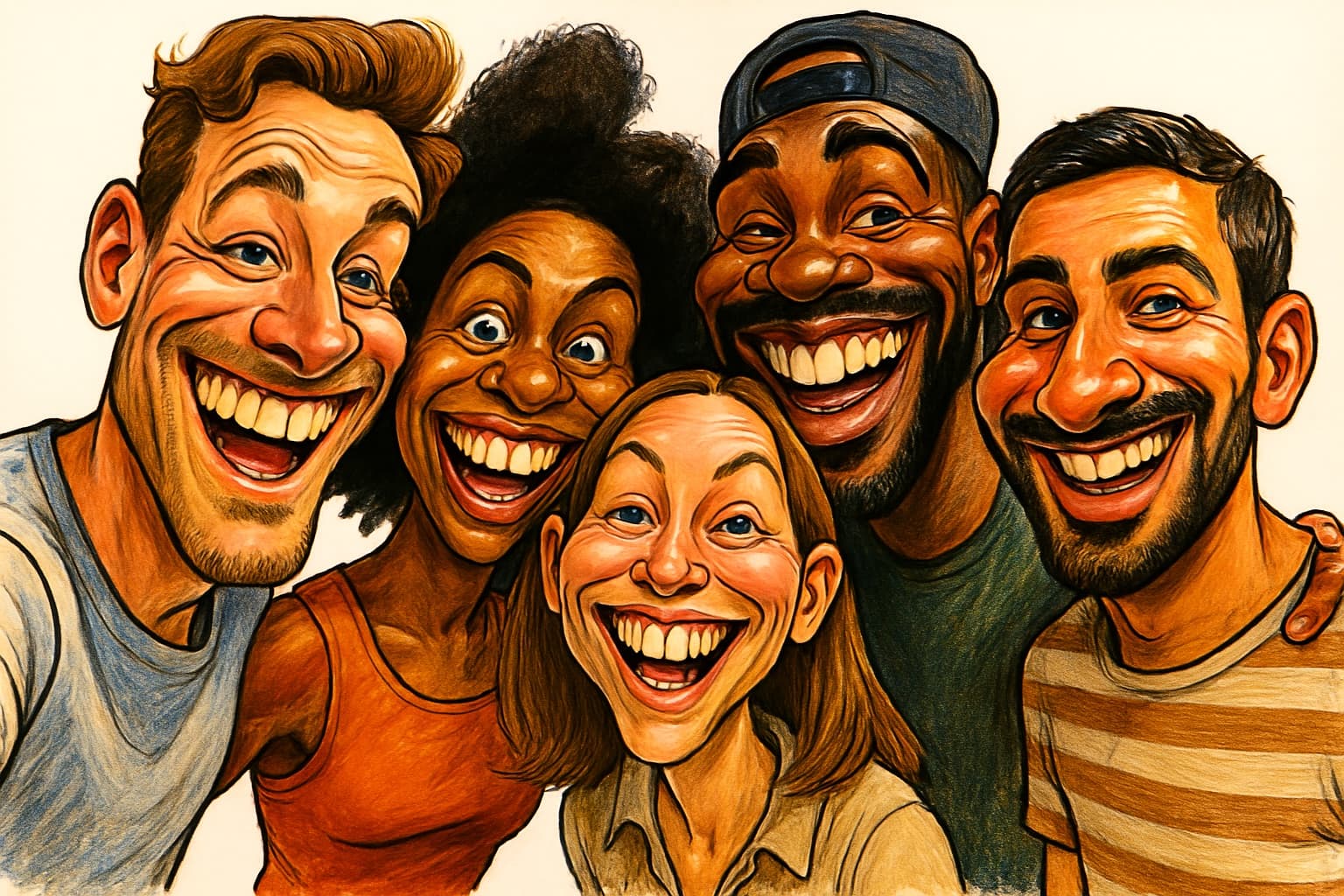
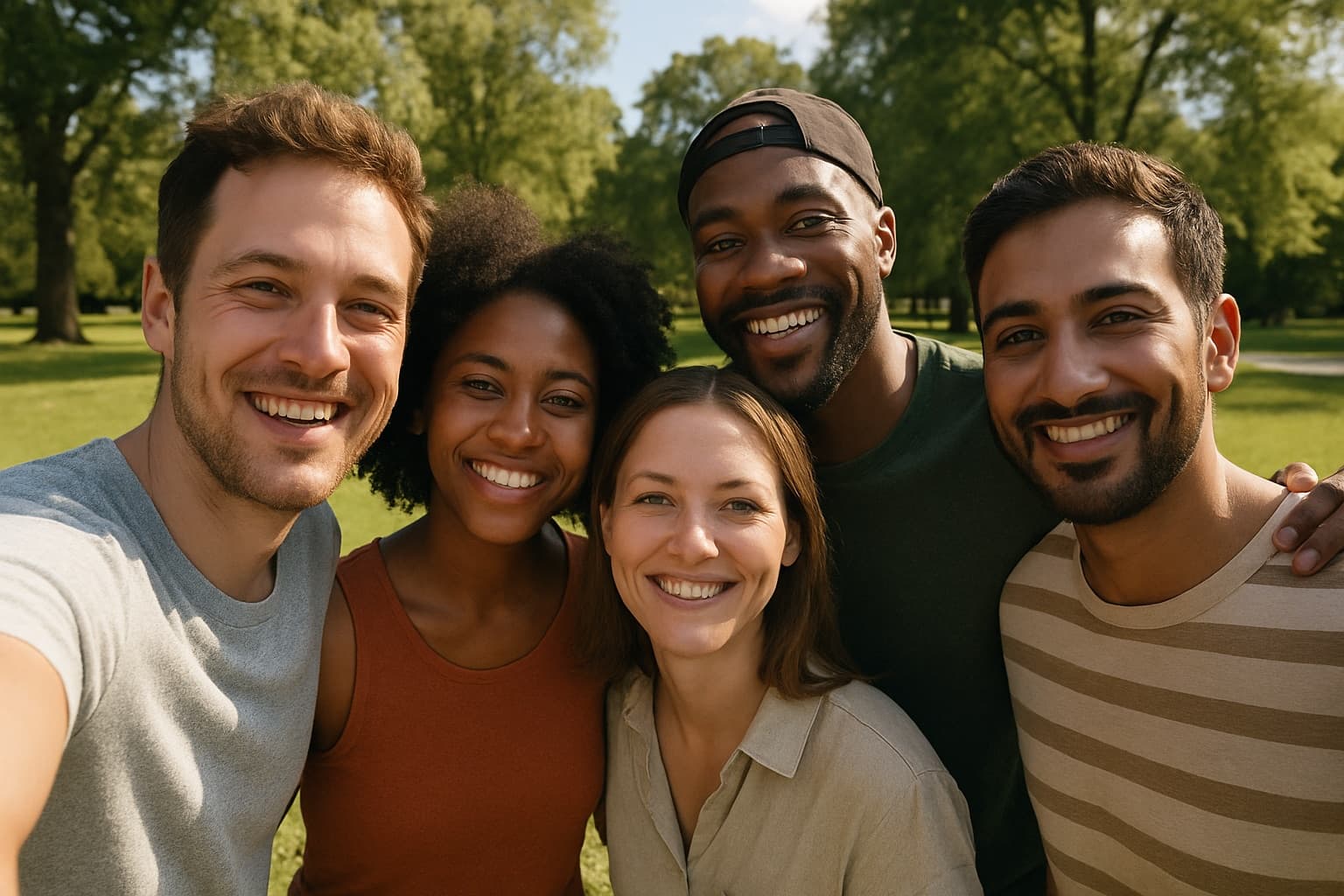
Here’s a five-person selfie turned into a single caricature. Notice that everyone is included, each person keeps what makes them recognizable (the curly hair, the backwards cap, the beard, the striped shirt) and the result keeps the same wide shape as the original photo.
 PhotoCaricature
A note on these examples: the “before” photos in this post are AI-generated pictures of fictional people, made to demonstrate the tool. The caricatures were made from them with the same generator you use.
How It Works
- Pick one photo with everyone in it. No need to upload each person separately.
- Upload it. Landscape, portrait and square photos all work. The caricature comes back in the same shape, so a wide group shot gets a wide caricature.
- Download it. It’s ready in seconds, in high resolution. One group caricature uses one credit, however many people are in it.
Choosing the Right Group Photo
With a single person, the face fills most of the frame. In a group, each face gets a smaller share of the pixels, and the AI can only exaggerate what it can see clearly. These tips make the biggest difference:
1. Get close together
Tight framing beats a wide shot with lots of background. Huddle in so faces are as large as possible in the frame. The selfie above works because everyone is shoulder to shoulder.
2. Keep everyone at the same distance
If one person stands two steps behind the others, their face ends up smaller and less detailed, and the caricature tends to give them less character. Line up in one row, or put shorter people in front with heads at a similar height.
3. Make sure every face is visible
No heads turned away, no faces half hidden behind a shoulder, no sunglasses. Anyone partly hidden in the photo will be hard to capture in the caricature.
4. Use even light
Shade or soft daylight lights everyone the same. Direct sun often leaves one person squinting or in shadow, and a single overhead lamp indoors darkens whoever stands at the edge.
5. Let the expressions be natural
A real laugh exaggerates beautifully. In the example below, two friends mid-laugh became two huge, joyful grins, which is exactly the energy you want in a caricature.
 Photo
Photo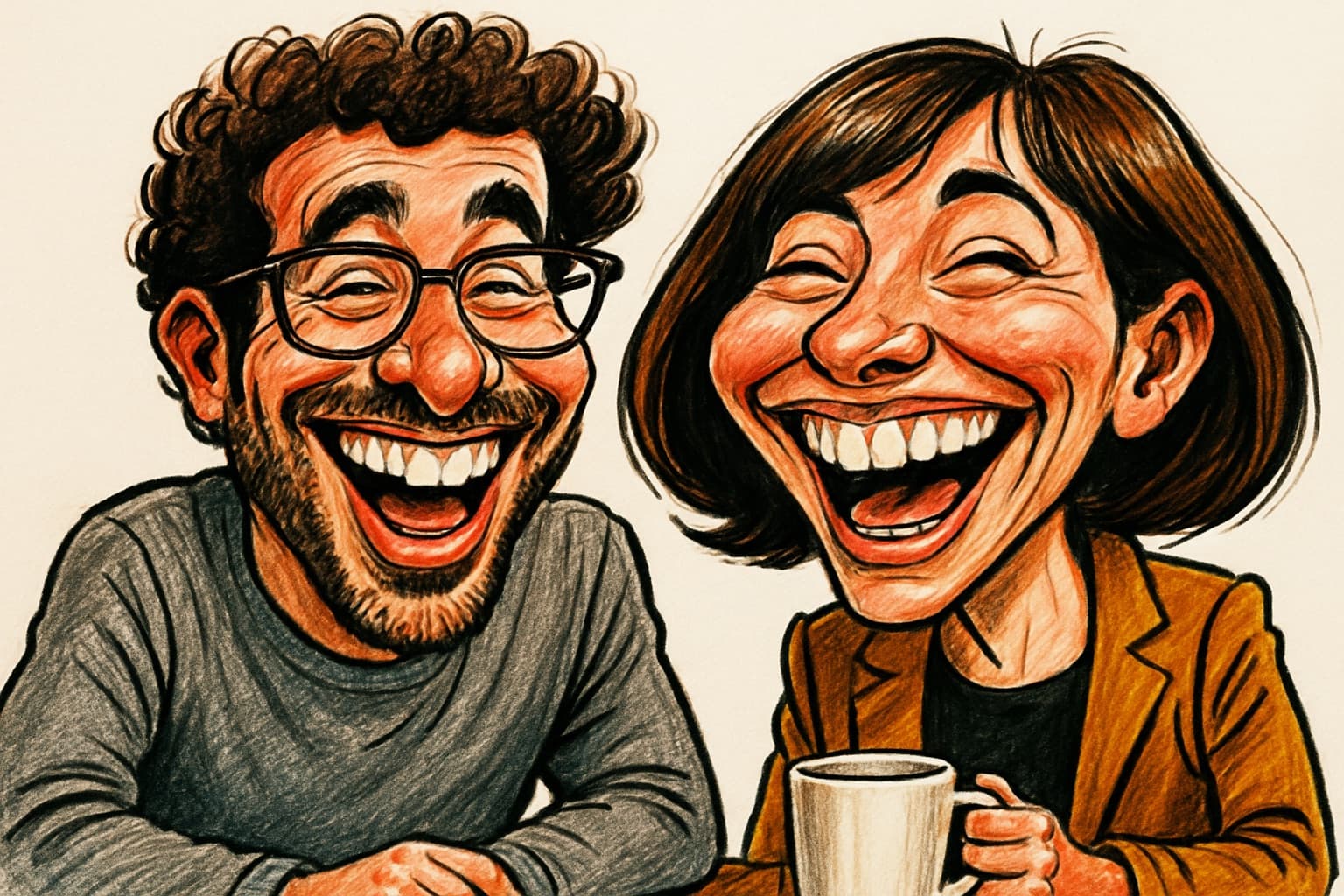 Caricature
6. Use the original file
Group photos shared through chat apps are often heavily compressed. Ask whoever took the photo for the original, full-resolution version.
How Many People Can Be in One Caricature?
There’s no fixed limit, but every extra person means fewer pixels per face. Small groups of two to five, like the examples in this post, are the sweet spot: everyone stays large enough to be recognizable.
For a big group, like a whole department or an extended family, consider making a caricature of each person (or each household) from their own photo, then arranging them together in a collage. It takes a few more credits, but every face gets full detail.
Families and Kids
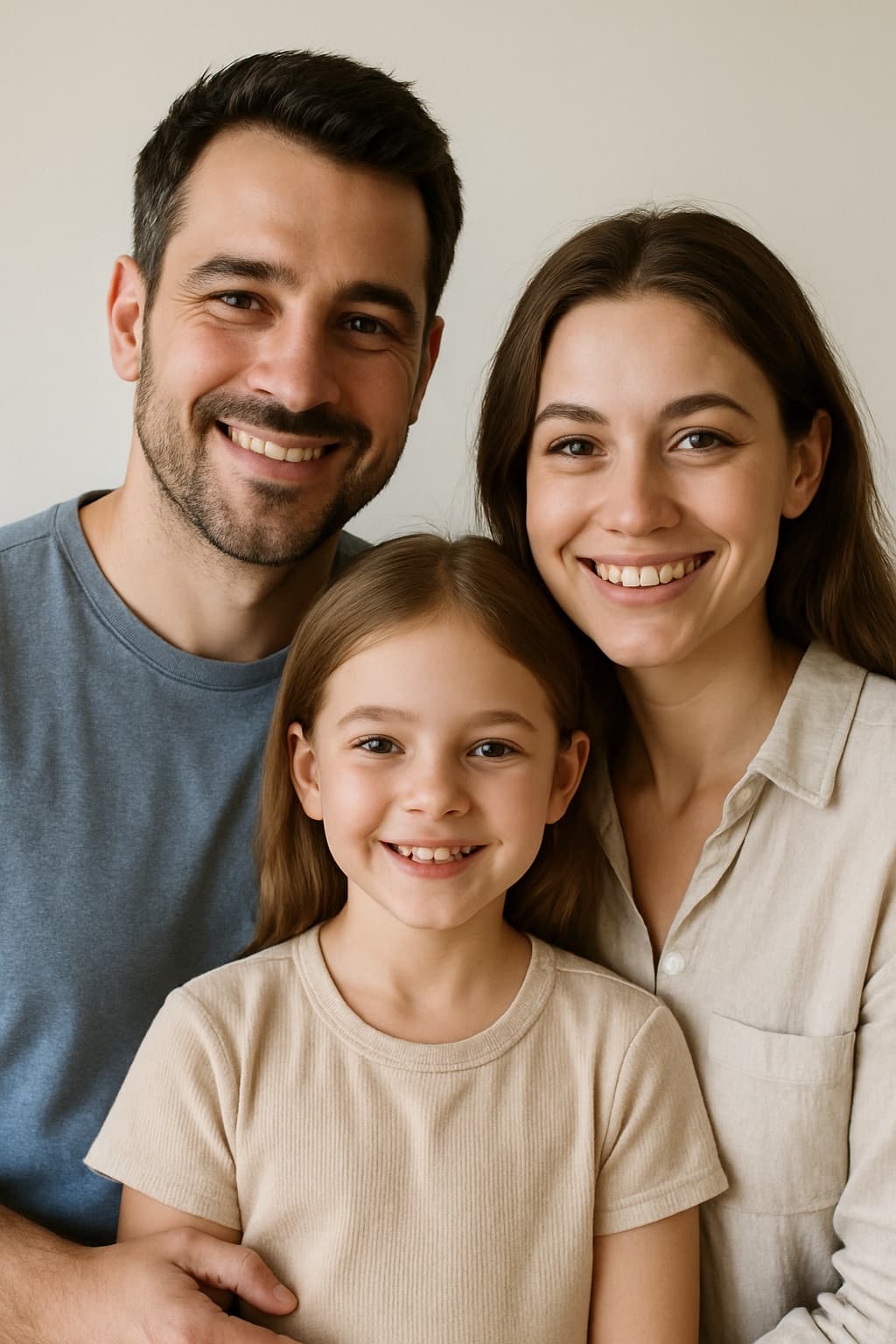
Family photos work well, including children. Taller family photos work too: the caricature simply comes back in portrait shape.
 Photo
Photo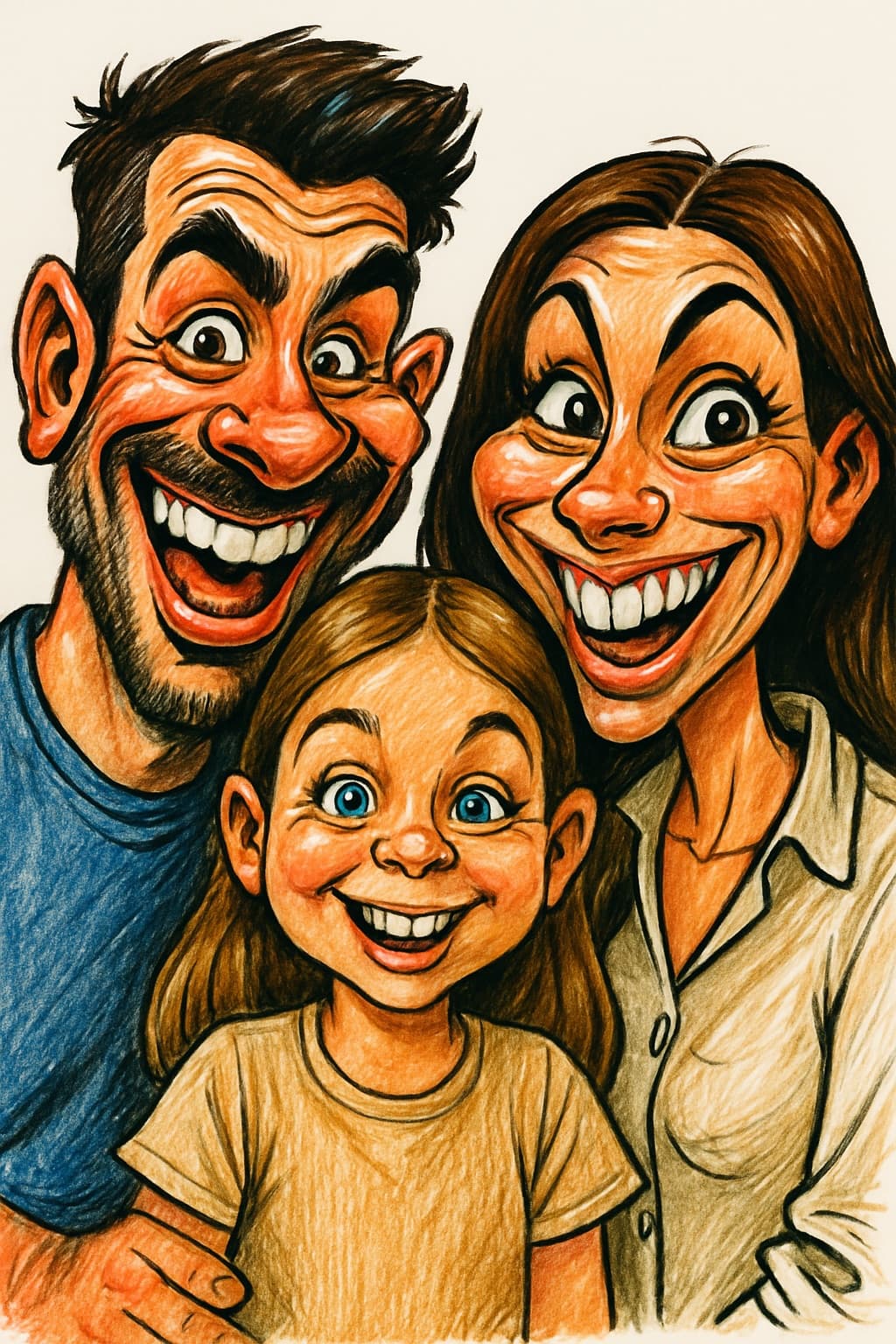 Caricature
Only upload photos of children if you’re their parent or guardian, or have that person’s permission.
What to Do with a Group Caricature
- Friend group reunions: print it and frame it as a keepsake, or make it the cover of a shared photo album.
- Family gifts: a framed family caricature makes a memorable present for grandparents, or a fun holiday card.
- Weddings: caricature the whole wedding party for the welcome sign or thank-you cards. See wedding caricatures.
- Teams: use it on your About page, for a farewell card or as the banner of your team channel. More ideas in caricatures for corporate events.
- Group chats: set it as the group icon. It’s recognizable even when small.
- Couples: two people work the same way. See couple caricatures.
Printing a Wide Group Caricature
A landscape caricature is 1536 × 1024 pixels, a 3:2 shape that fits standard 6 × 4, 12 × 8 and 18 × 12 inch prints without cropping. Here’s how big it prints at common quality levels:
| Quality | DPI | Maximum size |
|---|---|---|
| Photo quality | 300 | about 5.1 × 3.4 in (13 × 8.7 cm) |
| Very good | 200 | about 7.7 × 5.1 in (19.5 × 13 cm) |
| Good from a distance | 150 | about 10.2 × 6.8 in (26 × 17 cm) |
For a bigger poster or canvas, upscale the image first. Our guide on how to print your caricature explains DPI, paper and products in detail.
Quick Checklist
- Everyone in one row, at the same distance from the camera
- Faces large in the frame, with little background
- Every face visible: no sunglasses or hidden faces
- Soft, even light on everyone
- The original photo, not a compressed copy from a chat app
For more general photo advice, see the best photos to use for caricatures. When you’re ready, you can turn your group photo into a caricature in seconds.
Want to see yourself as a caricature?
Upload a photo and get a funny, high-resolution caricature in seconds.
Create Your Caricature