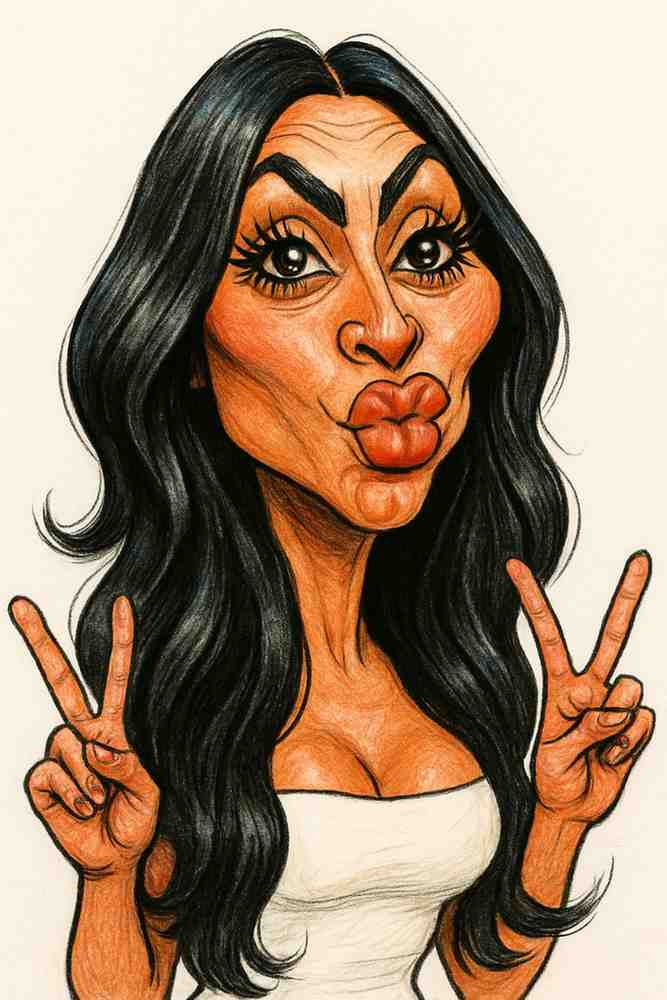
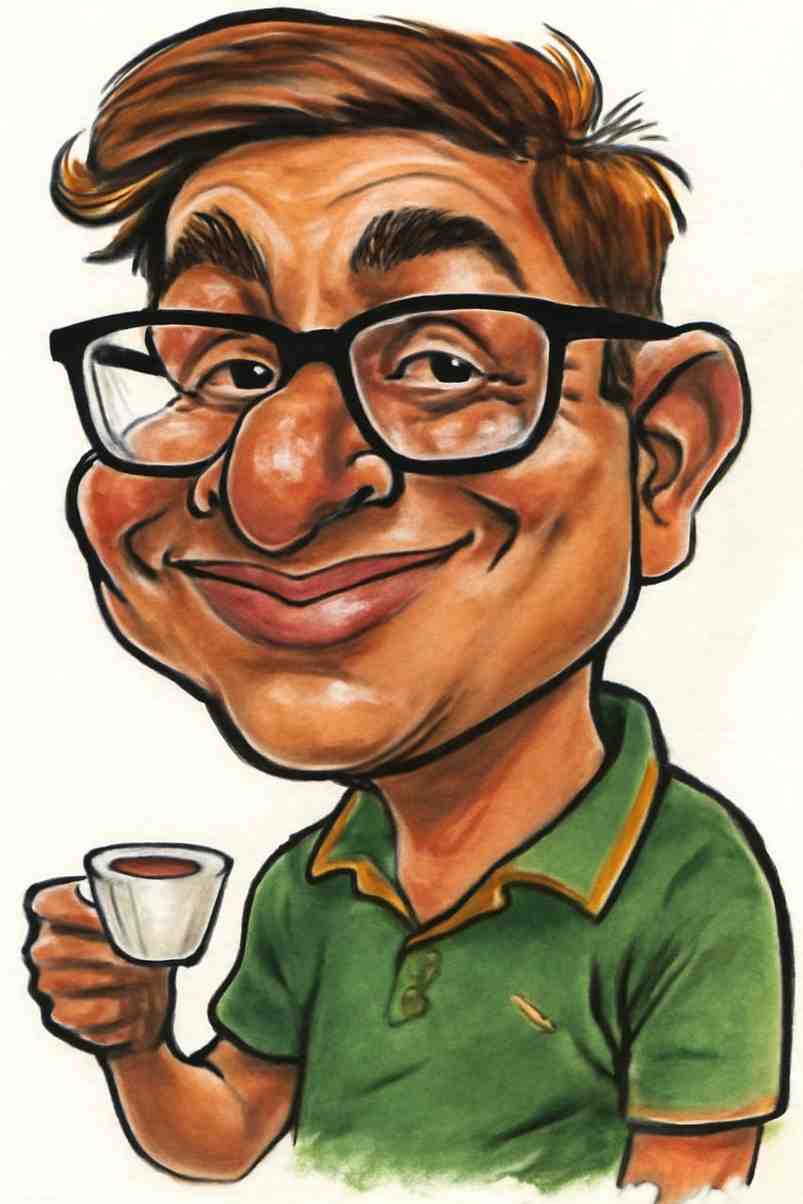
How to Make a Caricature of Yourself: 3 Ways Compared
By Atharv Tathe •
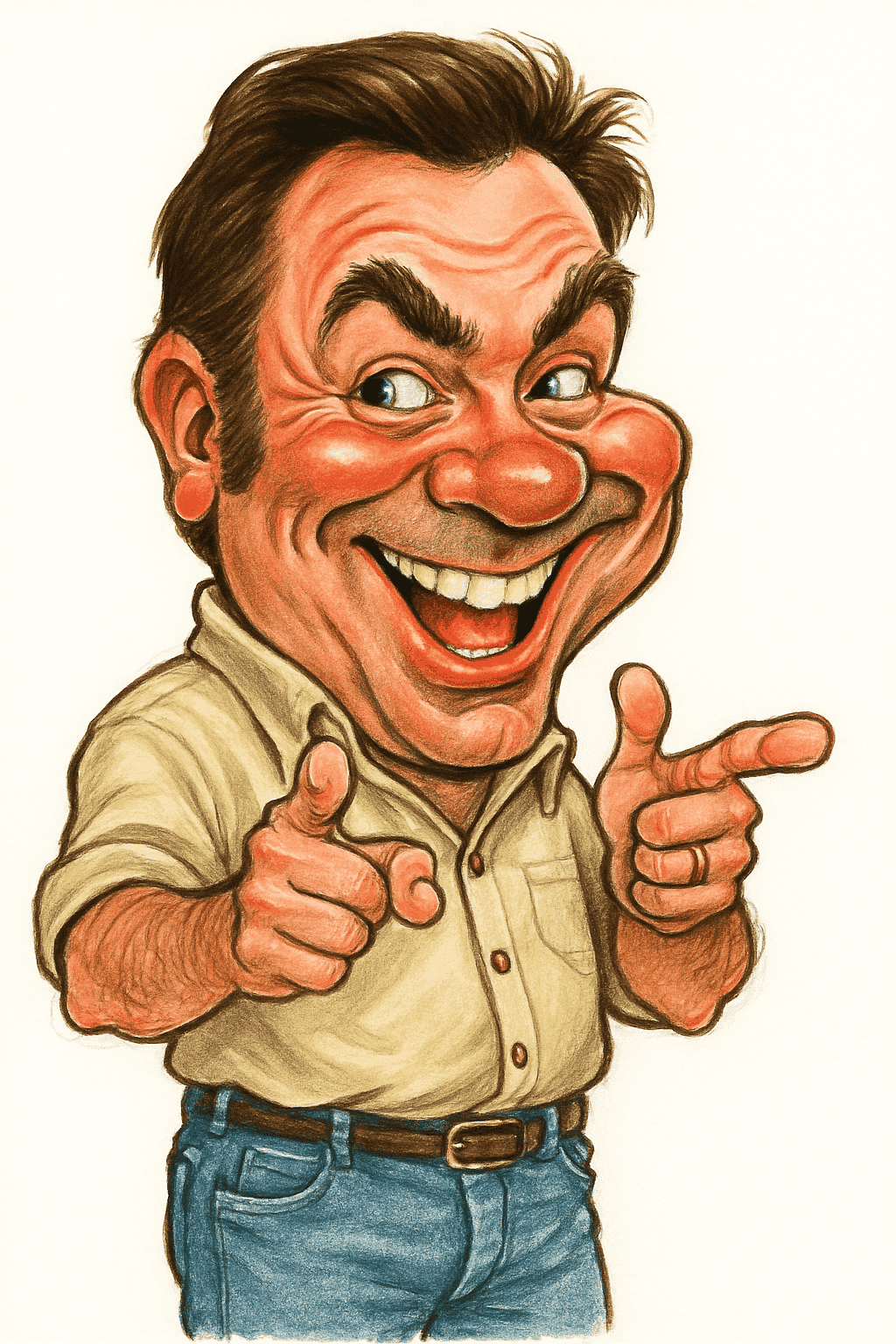
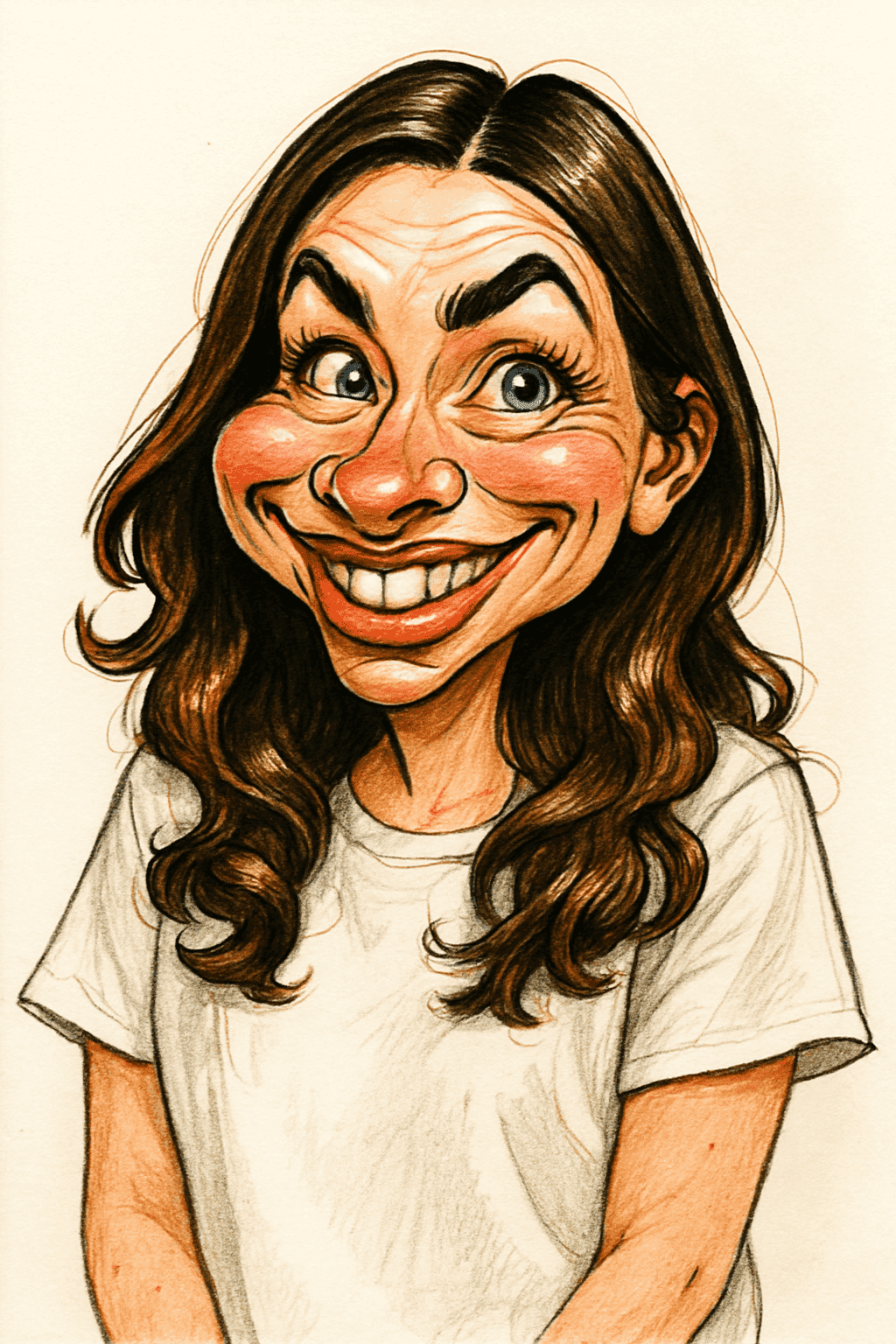
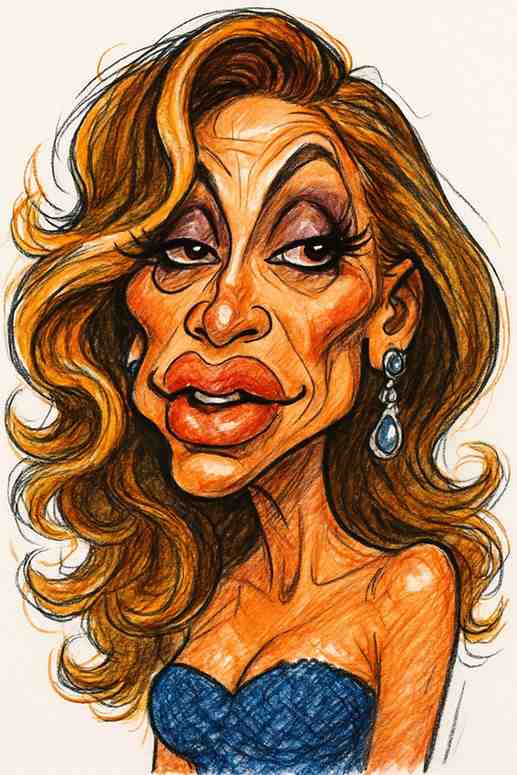
Want to see yourself as a caricature, maybe for a profile picture, a gift or just for a laugh? There are three realistic ways to get one: draw it yourself, hire an artist, or use an AI caricature maker. Each makes sense in different situations, so here’s an honest comparison, followed by step-by-step instructions for each route.
The 3 Ways at a Glance
| Draw it yourself | Hire an artist | AI caricature maker | |
|---|---|---|---|
| Time | Hours, plus practice | Minutes live; days for a commission | Seconds |
| Cost | Free (paper and pencil) | Highest | Lowest per caricature |
| Skill needed | A lot | None | None |
| Best for | Learning a new skill | A unique, hand-made piece | Profile pictures, gifts, quick fun |
Option 1: Draw a Caricature of Yourself
Drawing your own caricature is the most rewarding route and the hardest. You don’t need special tools, just a pencil, paper and a mirror or a good photo of yourself.
- Study your face. Look at your photo and ask what a friend would mention first when describing you: your smile, your eyebrows, your hair, your glasses?
- Pick one or two features to exaggerate. Make those bigger, bolder or longer. Leave the rest close to normal.
- Sketch the overall shape first. Get the head shape and the placement of the eyes, nose and mouth right before adding any detail.
- Check the likeness often. Step back and compare it to the photo. If it stops looking like you, pull the exaggeration back.
Our full guide on how to draw a caricature walks through each step in detail, with exercises.
Option 2: Hire a Caricature Artist
A professional artist gives you a one-of-a-kind, hand-made piece. There are two ways to work with one:
- Live: at a fair, tourist spot or event, a sketch usually takes a few minutes and you get to watch it being drawn.
- Commissioned from a photo: you send photos and the artist delivers a more detailed, often colored piece, usually within days.
Tips for a commission: send several clear photos from different angles, mention what people usually notice about you, and say what the caricature is for (a frame, a card, a profile picture) so the artist can choose the right format.
Option 3: Use an AI Caricature Maker
An AI caricature maker turns a photo into a caricature in seconds. It studies the photo, finds your most distinctive features and redraws you with those features exaggerated, while keeping you recognizable.
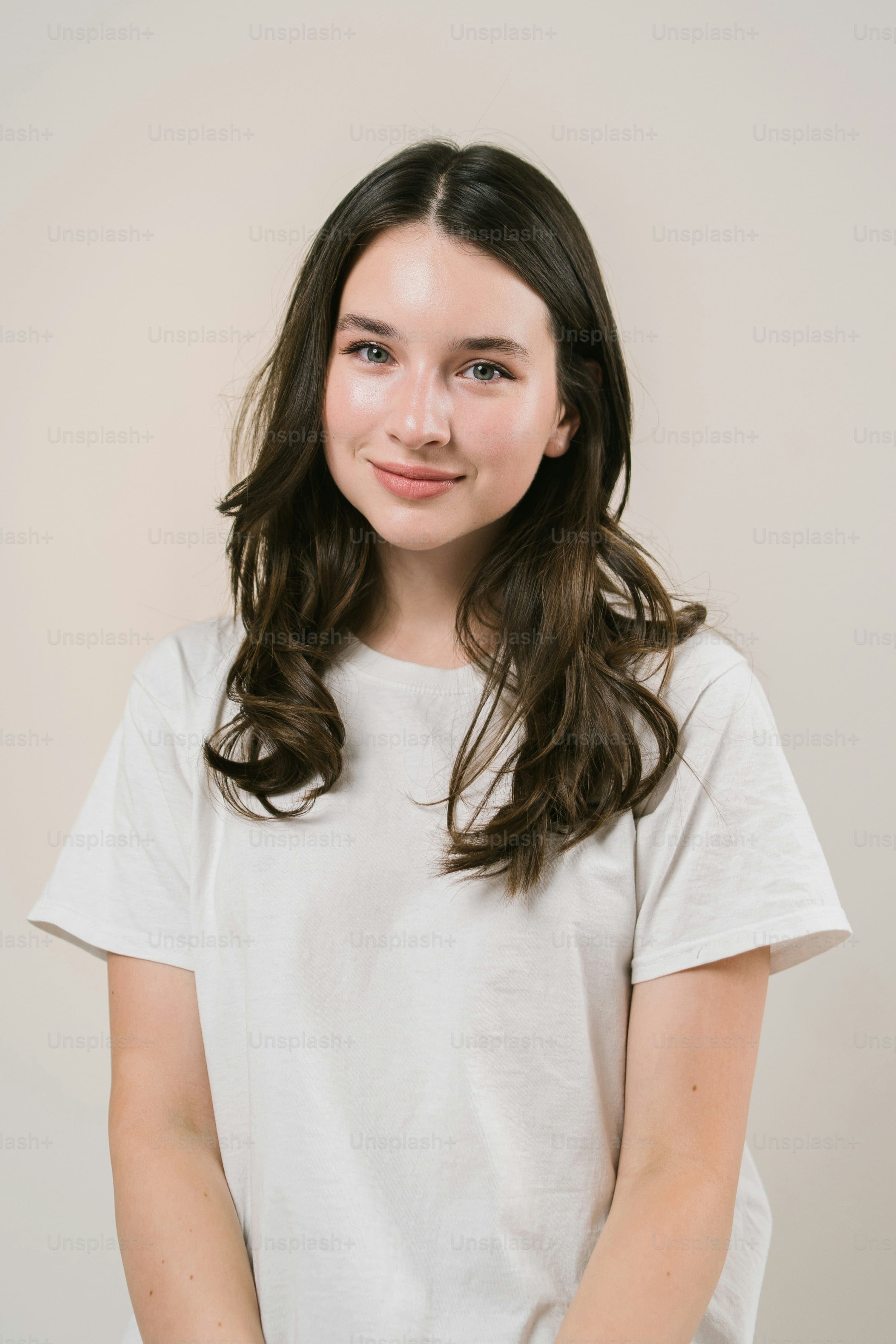 PhotoCaricature
With our caricature maker, it takes three steps:
- Pick a good photo. Recent, well-lit, facing the camera, with no sunglasses or filters. A normal selfie is fine. Our photo guide has a full checklist.
- Upload it. Sign in with Google and upload a JPG, PNG or WEBP image up to 25MB.
- Download your caricature. It’s ready in a few seconds, in high resolution. If you don’t love it, try another photo; lighting and angle make a big difference.
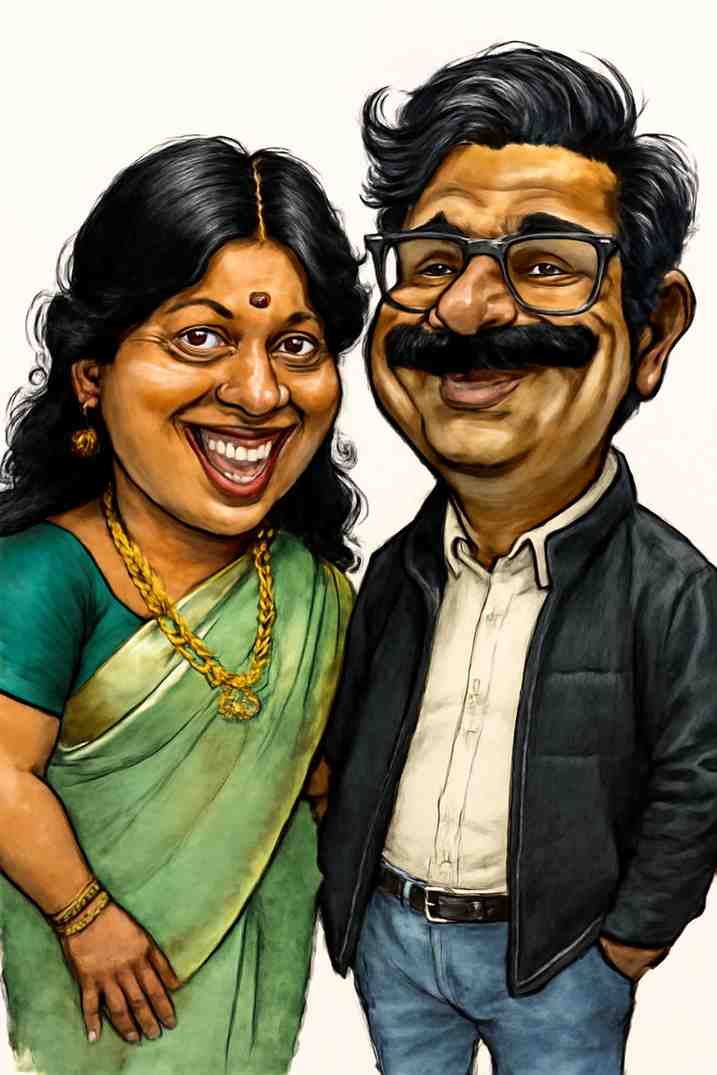
You can also make one of the two of you from a single photo, which is popular for anniversaries. See couple caricatures.
Which Option Should You Choose?
- You want to learn a skill: draw it yourself and enjoy the process.
- You want a unique piece or live entertainment: hire an artist.
- You want a great result right now, or several of them: use an AI caricature maker. It’s the fastest and cheapest way to get a caricature for a profile picture or a gift.
What to Do with Your Caricature
Once you have it, the fun part starts. Set it as your avatar, put it on a birthday card or mug, or frame it. If you plan to print it, read how to print your caricature first so it comes out sharp at the size you want.
Want to see yourself as a caricature?
Upload a photo and get a funny, high-resolution caricature in seconds.
Create Your Caricature