How to Print Your Caricature: Sizes, Resolution and Paper
By Atharv Tathe •
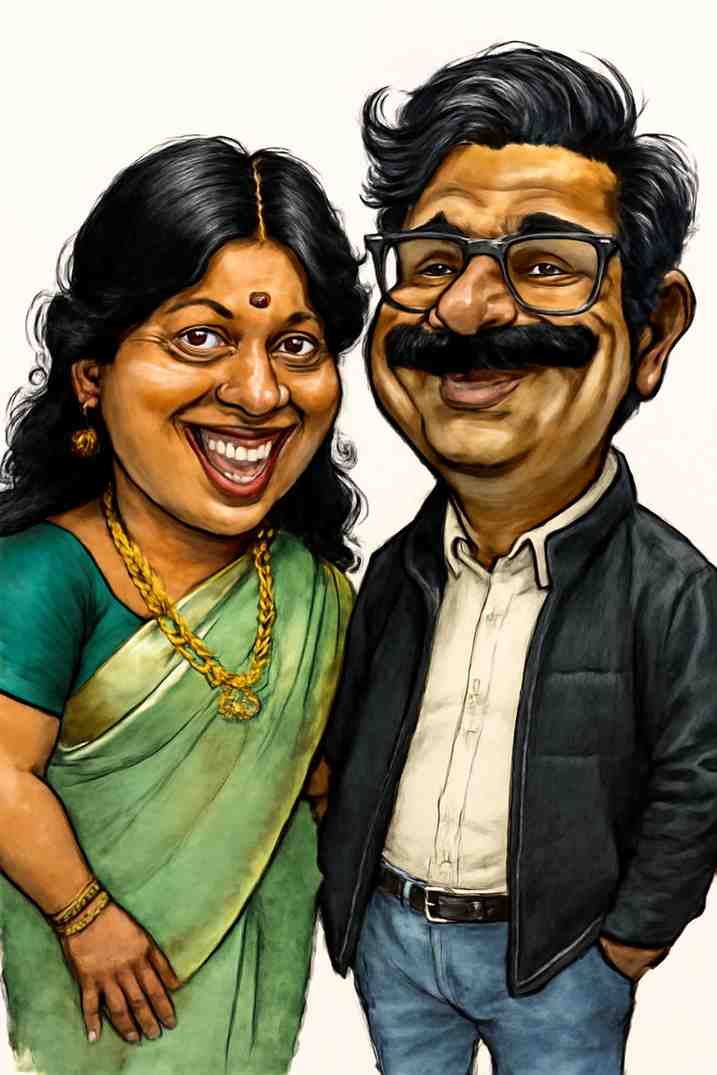
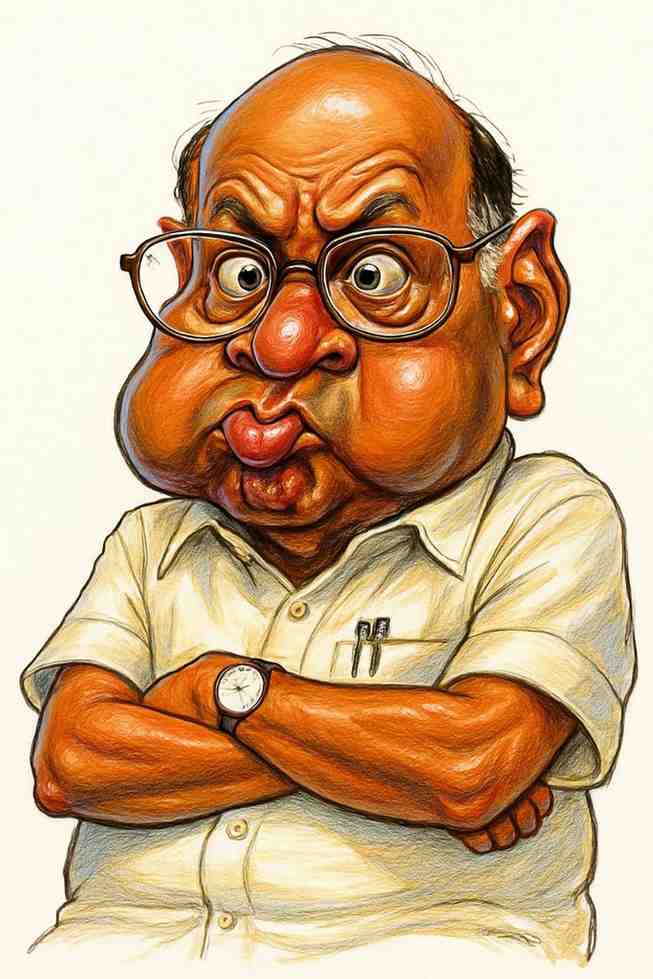
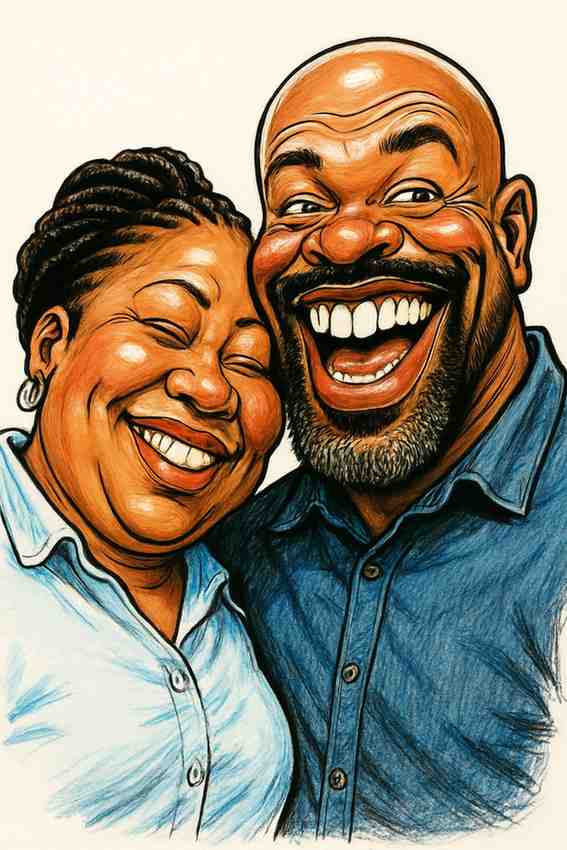
A caricature looks great on screen, but most people eventually want to hold it: as a framed print, a birthday card, a mug or a T-shirt. Getting a sharp print comes down to one simple question: how many pixels does your image have, and how big do you want it? This guide explains it in plain language.
Step 1: Check Your Image’s Pixel Size
Every digital image is a grid of pixels, for example 1024 × 1536. To find yours:
- Windows: right-click the file, choose Properties, then the Details tab.
- Mac: open the image in Preview and choose Tools, then Show Inspector.
- Phone: most gallery apps show the resolution under the photo’s info or details.
Step 2: Understand DPI
Printers place a certain number of pixels in each inch of paper, called DPI (dots per inch). More dots per inch means a sharper print, but a smaller maximum size. As a rule of thumb:
- 300 DPI: photo quality, for anything viewed up close, like cards and small frames.
- 200 DPI: still looks good for most prints and mugs.
- 150 DPI: fine for posters, canvas and shirts, which people view from further away.
The math is simple: pixels ÷ DPI = inches. A 1024 × 1536 pixel image printed at 300 DPI comes out at about 3.4 × 5.1 inches.
Step 3: Find Your Maximum Print Size
Here’s what a 1024 × 1536 pixel image can print at:
| Quality | DPI | Maximum size | Good for |
|---|---|---|---|
| Photo quality | 300 | about 3.4 × 5.1 in (8.7 × 13 cm) | Cards, stickers, small frames |
| Very good | 200 | about 5.1 × 7.7 in (13 × 19.5 cm) | Prints, mugs, phone cases |
| Good from a distance | 150 | about 6.8 × 10.2 in (17 × 26 cm) | Shirts, canvas, small posters |
If your file has more pixels, divide them by the DPI you want to get your own maximum size.
Step 4: Match the Shape
Caricatures are usually portrait-shaped. An image with a 2:3 ratio, like 1024 × 1536, fits standard 4 × 6, 8 × 12 and 12 × 18 inch prints exactly. Sizes like 5 × 7 or 8 × 10 have a different shape, so the printer will crop a little from the top or bottom. Leave some space around the head so nothing important gets cut.
Printing Larger Than Your File Allows
Want a big poster or canvas? Use an AI image upscaler to increase the pixel count before you order. Upscalers work especially well on illustrations like caricatures. Many print services can also upscale for you, so ask before you upload.
Tips by Product
Framed prints
Choose matte paper for the warm, hand-drawn look, or glossy photo paper for punchier colors. A wide white mount makes even a small print look like gallery art, and gives guests space to sign it at a party.
Cards and invitations
Cards are small, so almost any caricature prints sharply. Use a card template from your printer and keep text away from the face.
Mugs
Mug print areas are short and wide. Upload your caricature into the printer’s mug template and check the preview so the face sits on the side people will see when holding the mug.
T-shirts and tote bags
Fabric is forgiving, so 150 DPI is plenty. Caricatures usually have a paper-colored background; if you want only the person printed, use a background-removal tool first, or ask the printer whether they can remove it.
Canvas and posters
These are viewed from across the room, so lower DPI is fine, but upscale first if your file is small for the size you want.
Cake toppers
Many bakeries print images on edible paper. Send them the original file, not a screenshot, and ask what size they need.
Before You Order: A Quick Checklist
- Use the original downloaded file, not a screenshot
- Check the pixel size and do the pixels ÷ DPI math
- Check the crop in the printer’s preview
- Order one proof before printing a large batch
- Expect colors to look slightly different on paper or fabric than on a bright screen
Need Ideas for What to Print?
Browse our caricature gift ideas for cards, mugs, shirts and more, or see how couples use them on wedding stationery. Don’t have a caricature yet? Make one from a photo in seconds. Downloads are high resolution and free to use for printing, including commercial printing.
Want to see yourself as a caricature?
Upload a photo and get a funny, high-resolution caricature in seconds.
Create Your Caricature