Make a Caricature from Your Photo in Seconds
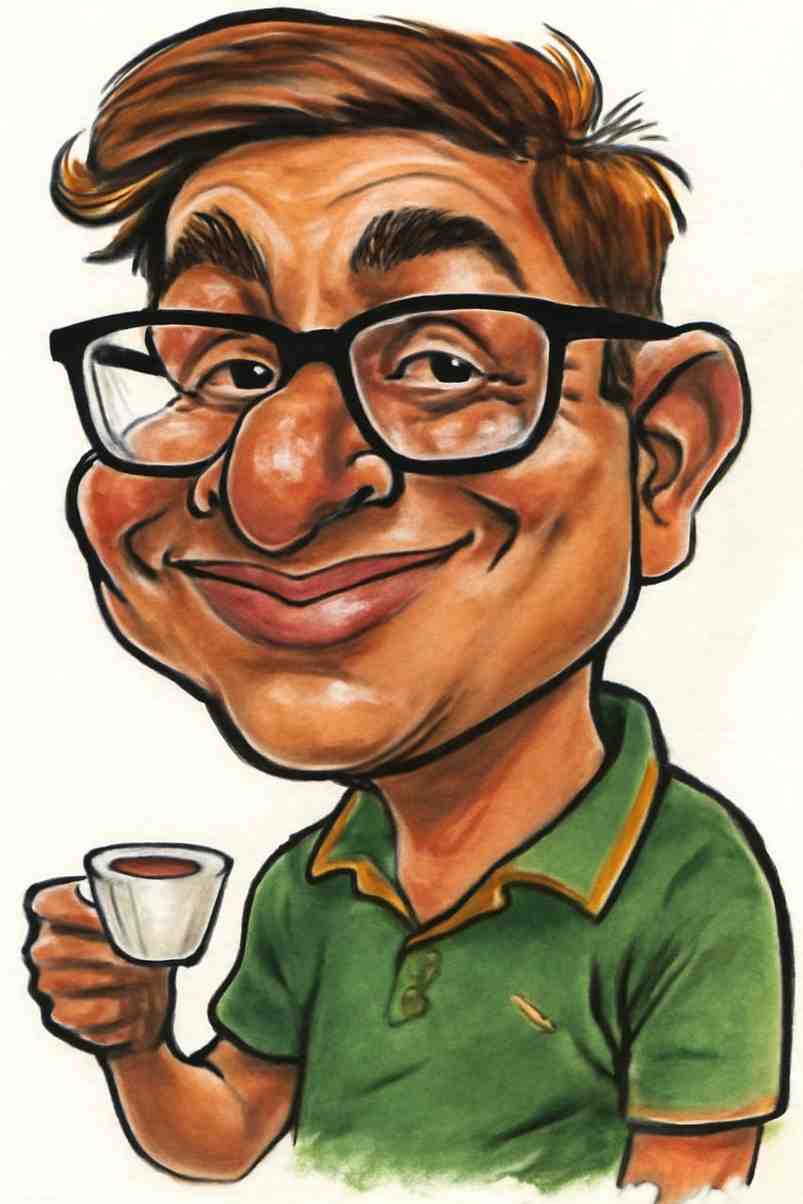
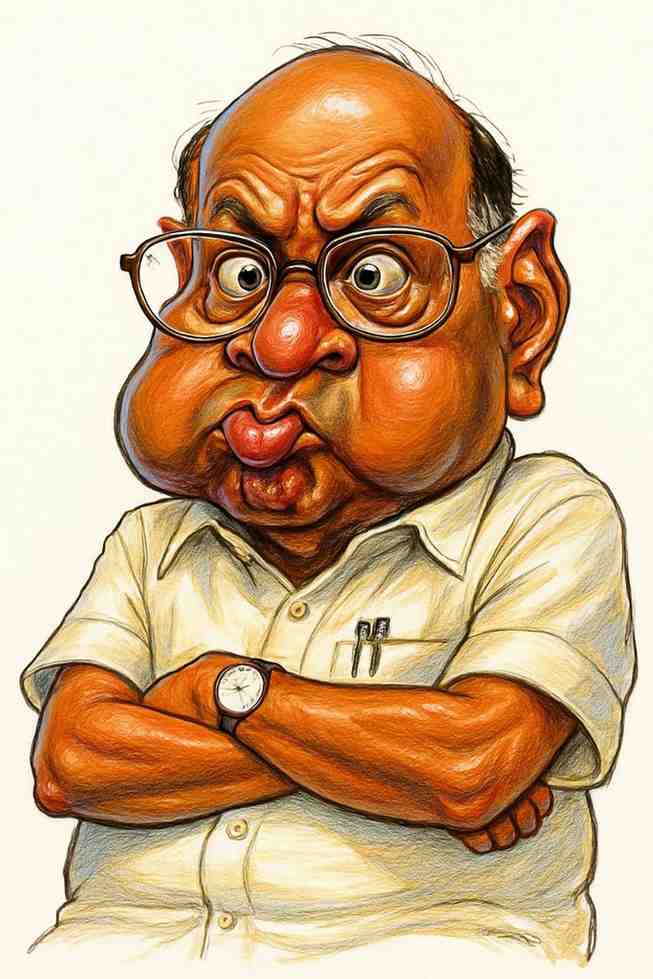
Upload any clear photo of a face and get back a hand-drawn-style caricature that exaggerates the features that make you, you. No drawing skills, no waiting on an artist.
Upload Your Photo- Works with JPG, PNG and WEBP photos up to 25MB
- Keeps your likeness while adding playful exaggeration
- High-resolution download ready to share or print
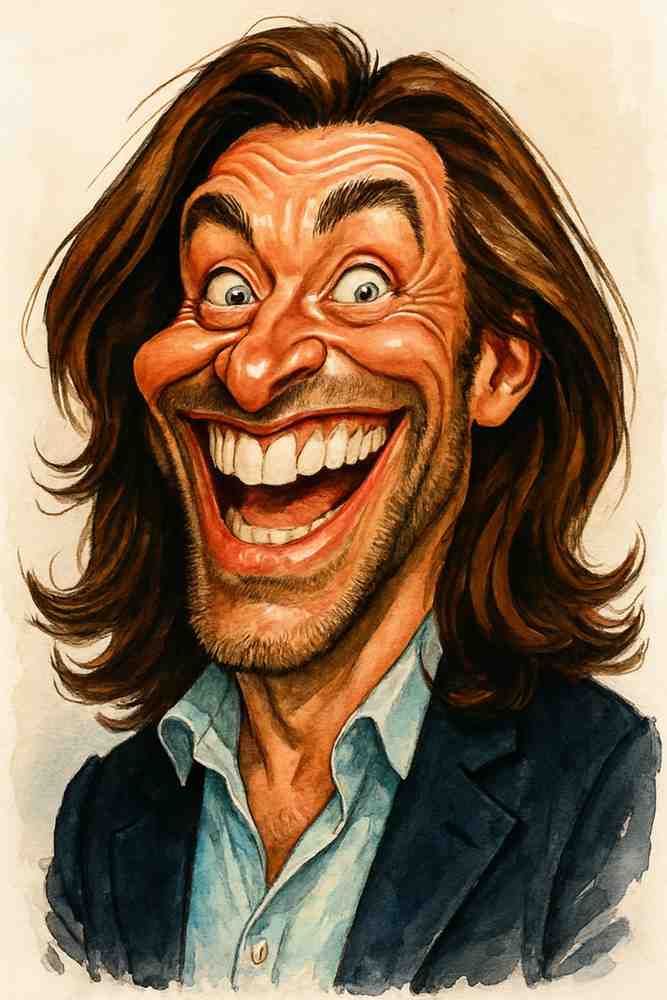
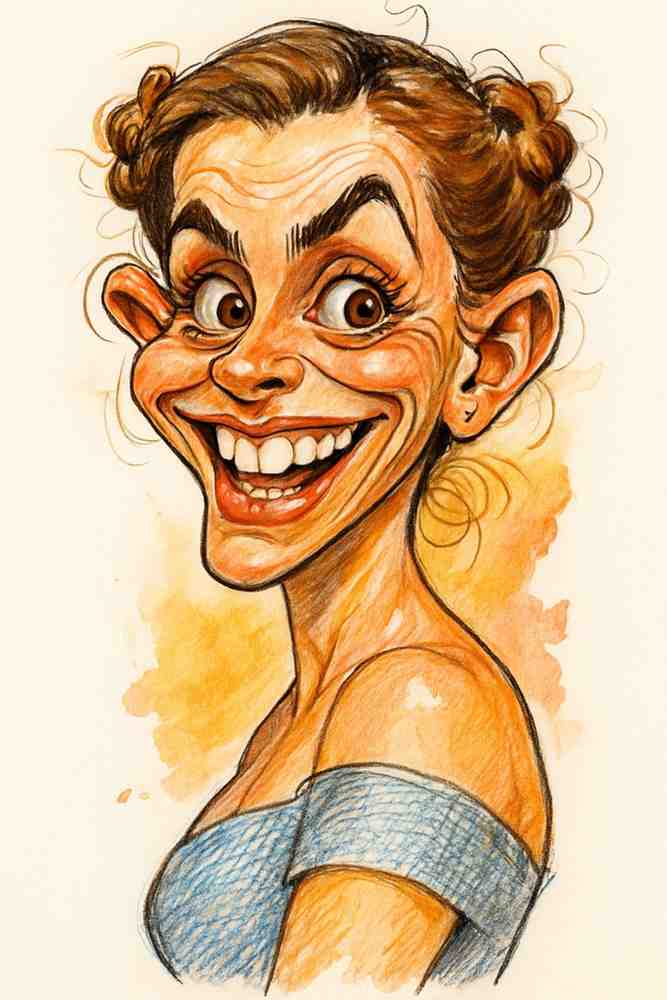
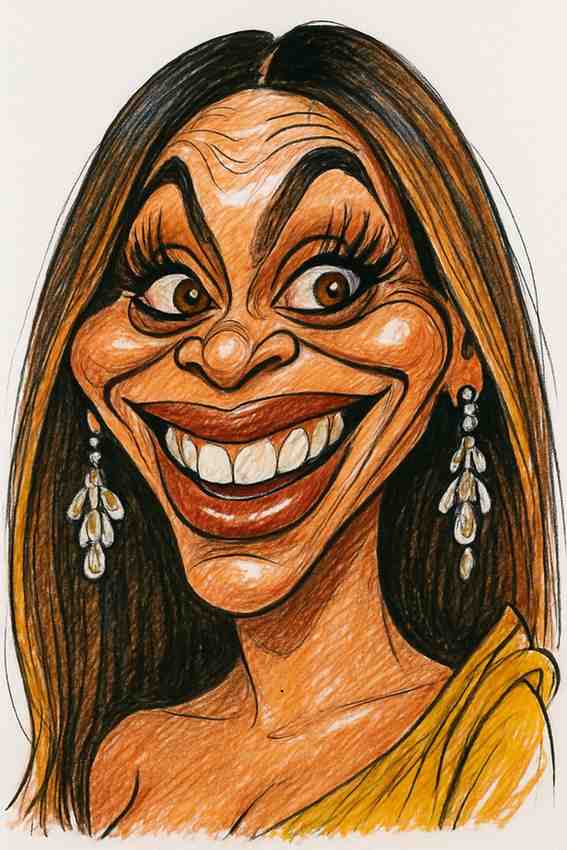
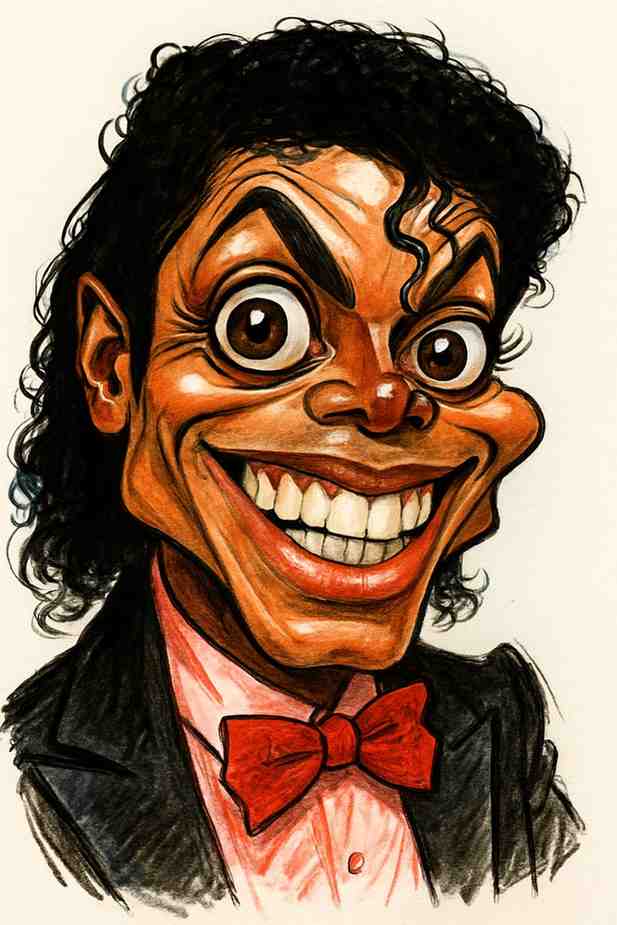
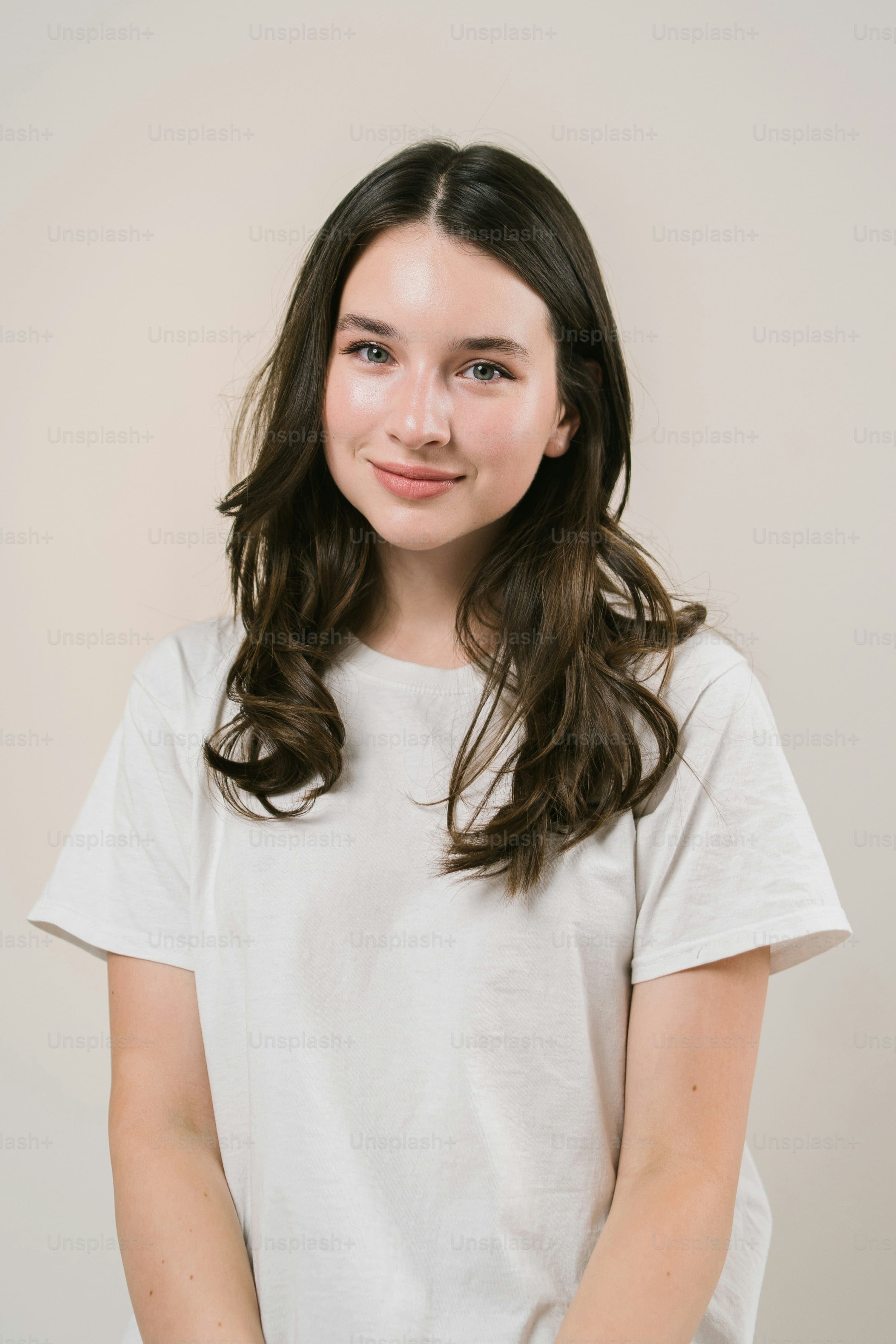
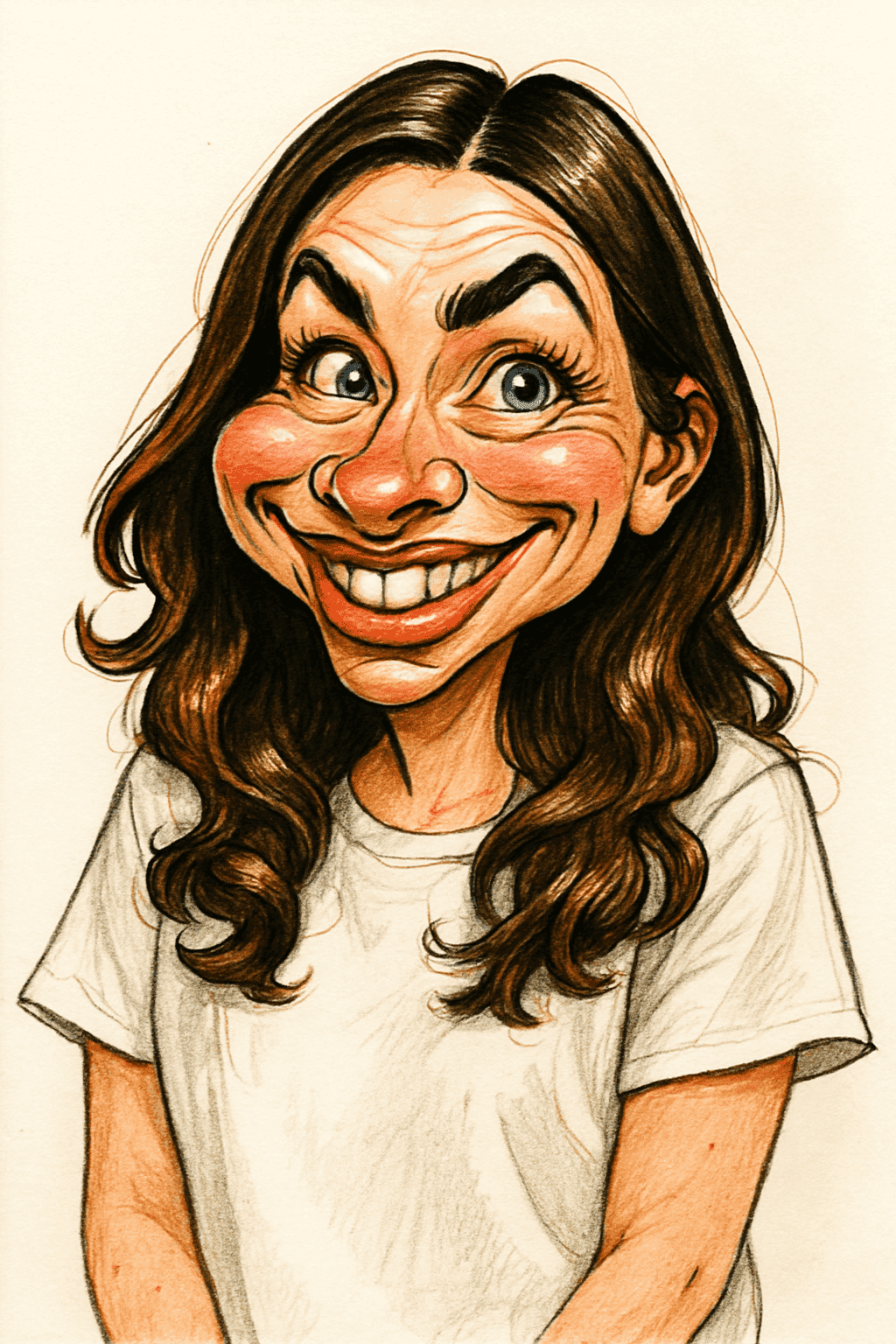
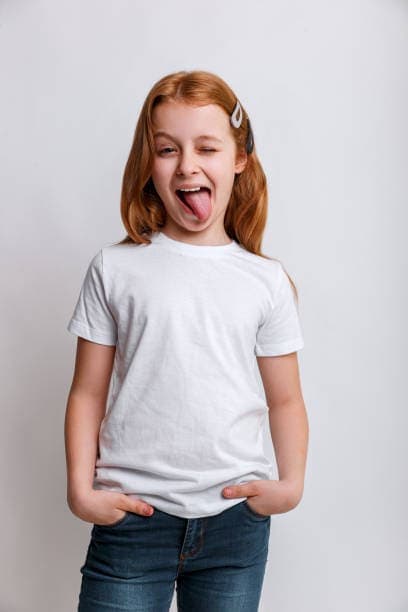
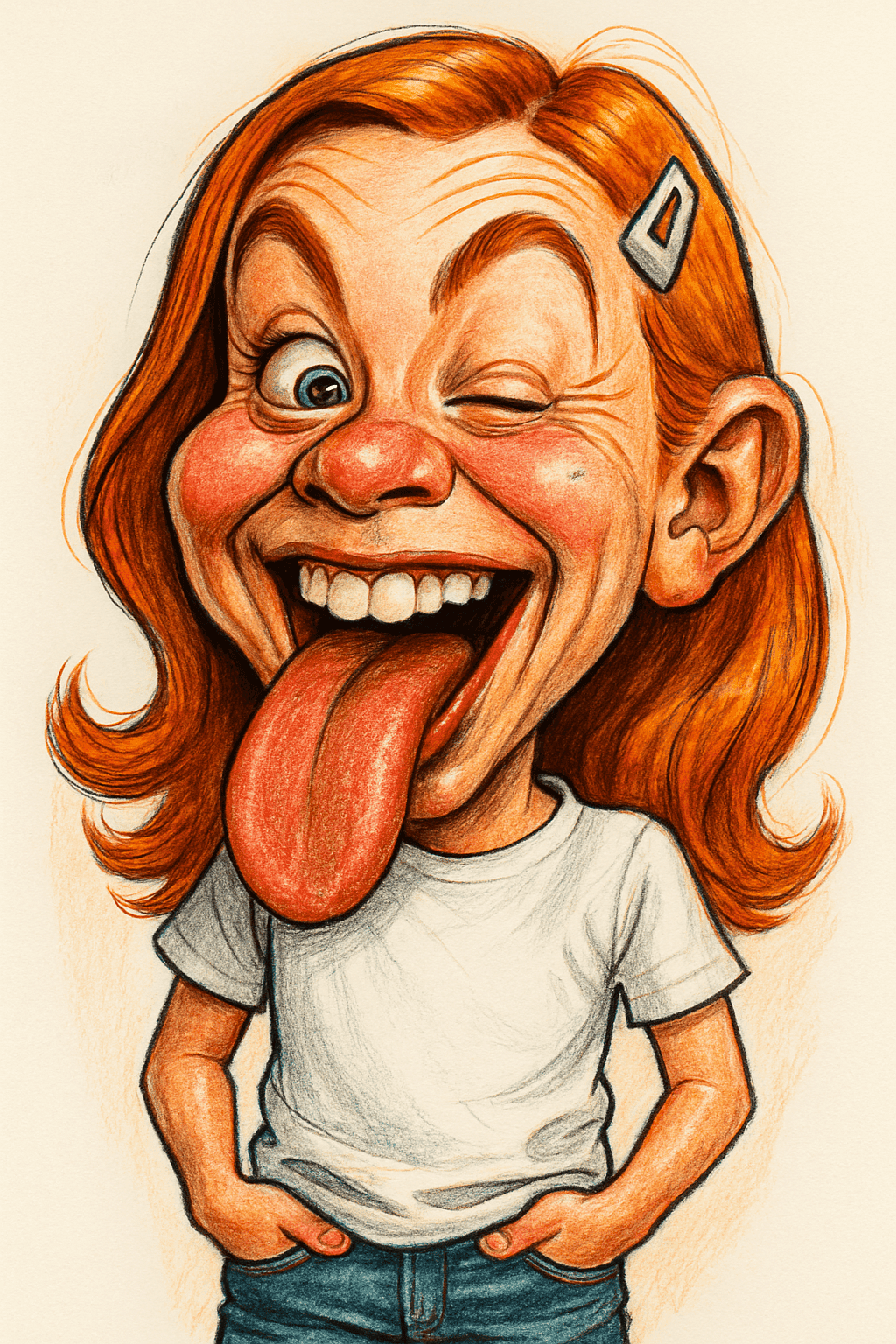
Photo to Caricature: Before & After
Real photos transformed into funny caricatures. Drag the slider to compare ✨
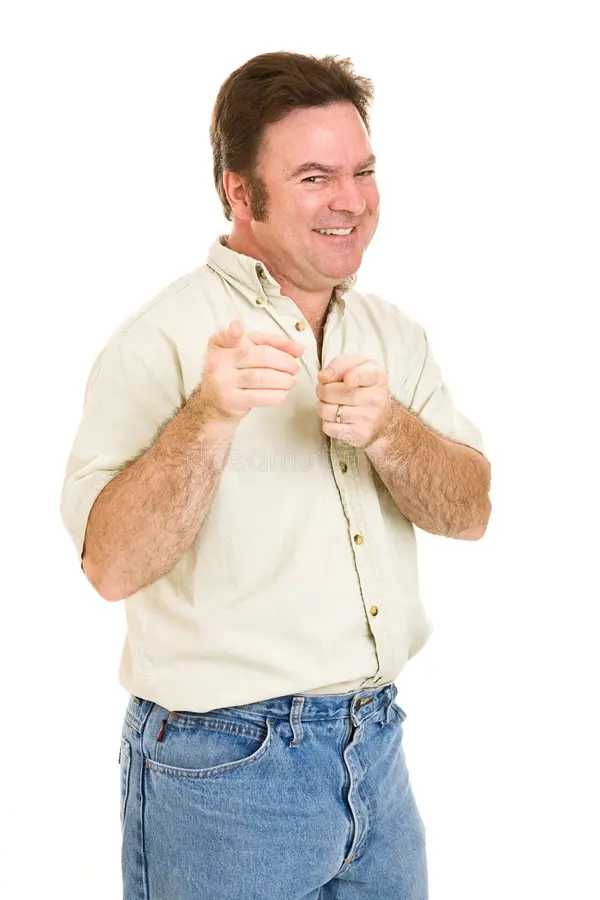
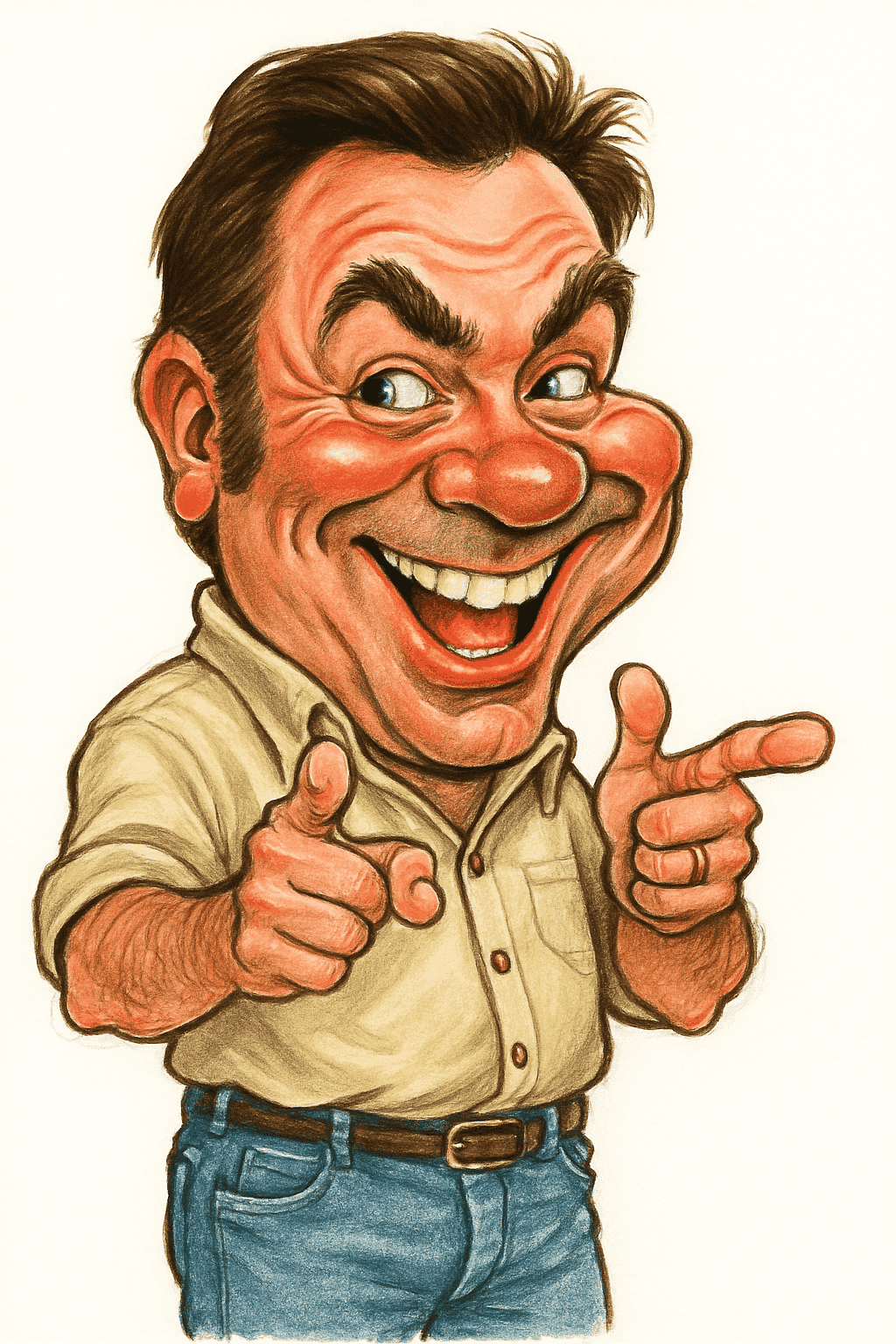
How to Turn a Photo into a Caricature
- 1
Pick your best photo
A recent, well-lit, front-facing photo works best. Selfies are fine as long as your whole face is in the frame.
- 2
Upload it
Sign in and drop your photo into the dashboard. The AI studies your face shape, eyes, smile and hair.
- 3
Download your caricature
In a few seconds your caricature is ready to download in high resolution.
What makes a photo-based caricature look like you
A good caricature isn't a filter. It picks the two or three features people notice first, such as a wide grin, strong eyebrows or a big head of hair, and pushes them further while keeping everything else in proportion. That's why friends recognize a caricature instantly even though nothing about it is realistic.
Our caricature maker is tuned to keep that balance: enough exaggeration to be funny, not so much that the face stops looking like the person in the photo.
Photo checklist for the best result
- Lighting: Face a window or soft daylight. Harsh shadows hide the features the AI needs.
- Angle: Look straight at the camera. Strong side angles make the result less recognizable.
- Nothing covering your face: Remove sunglasses and masks, and avoid hair covering your eyes.
- Resolution: Use the original photo rather than a screenshot or a compressed image from a chat app.
- Expression: A natural smile usually gives the most fun caricature.
What people do with their caricatures
Most people start out of curiosity, just to see what they'd look like, and then end up using the result as a profile picture, putting it on a birthday card or printing it on a mug as a gift. Because it's a normal image file, you can use it anywhere you'd use a photo.
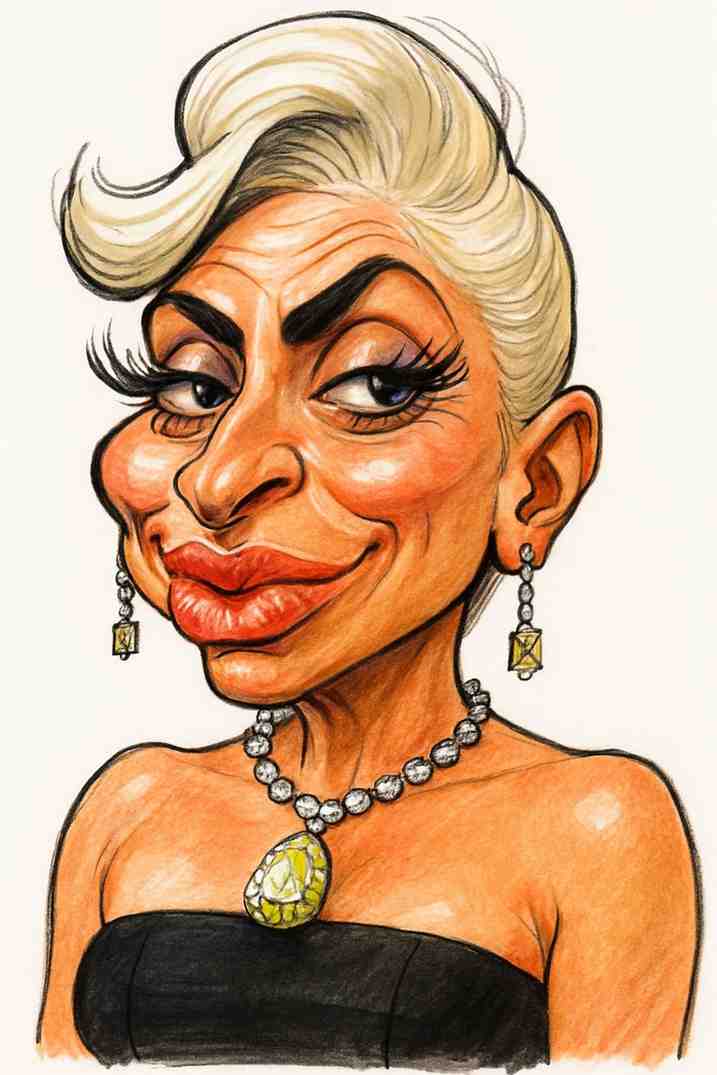
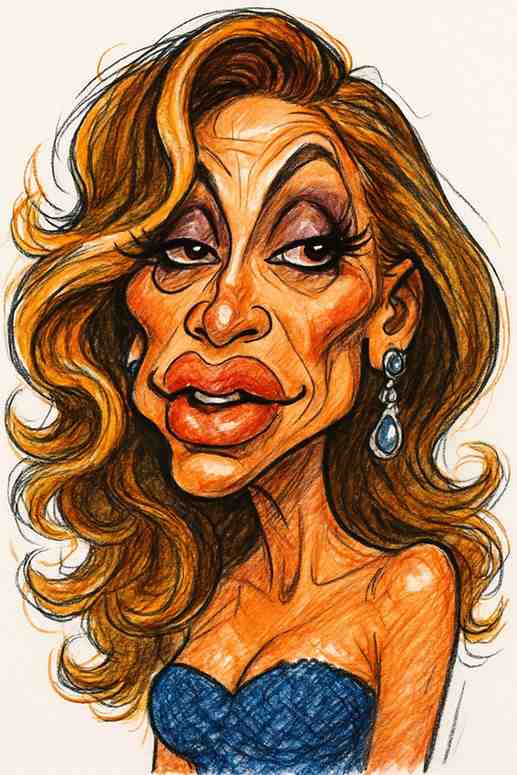
Caricature from Photo: FAQs
Can I make a caricature from any photo?
Any photo where a face is clearly visible will work. Clear, well-lit, front-facing photos give the most recognizable results, while blurry, dark or side-on photos give weaker ones.
What file types can I upload?
JPG, PNG and WEBP images up to 25MB.
Can I make a caricature of someone else?
Yes, as long as you have their permission to use their photo. It's a popular way to make a gift for a friend or family member.
How much does it cost?
There is no subscription. You buy a credit pack once and 1 credit creates 1 caricature: $10 for 20 caricatures or $30 for 70 caricatures.
Do you keep my photos?
No. Photos are processed securely and deleted after your caricature is generated.
Turn your photo into a caricature
Pay once, no subscription. 1 credit = 1 caricature. See pricing.
Upload Your Photo